17
10) Once you have set the desired value and confirmed it, your device will remain tilted. When you want
to return to the basic horizontal setting, please reset your Wipe Out and return to its factory default
settings.
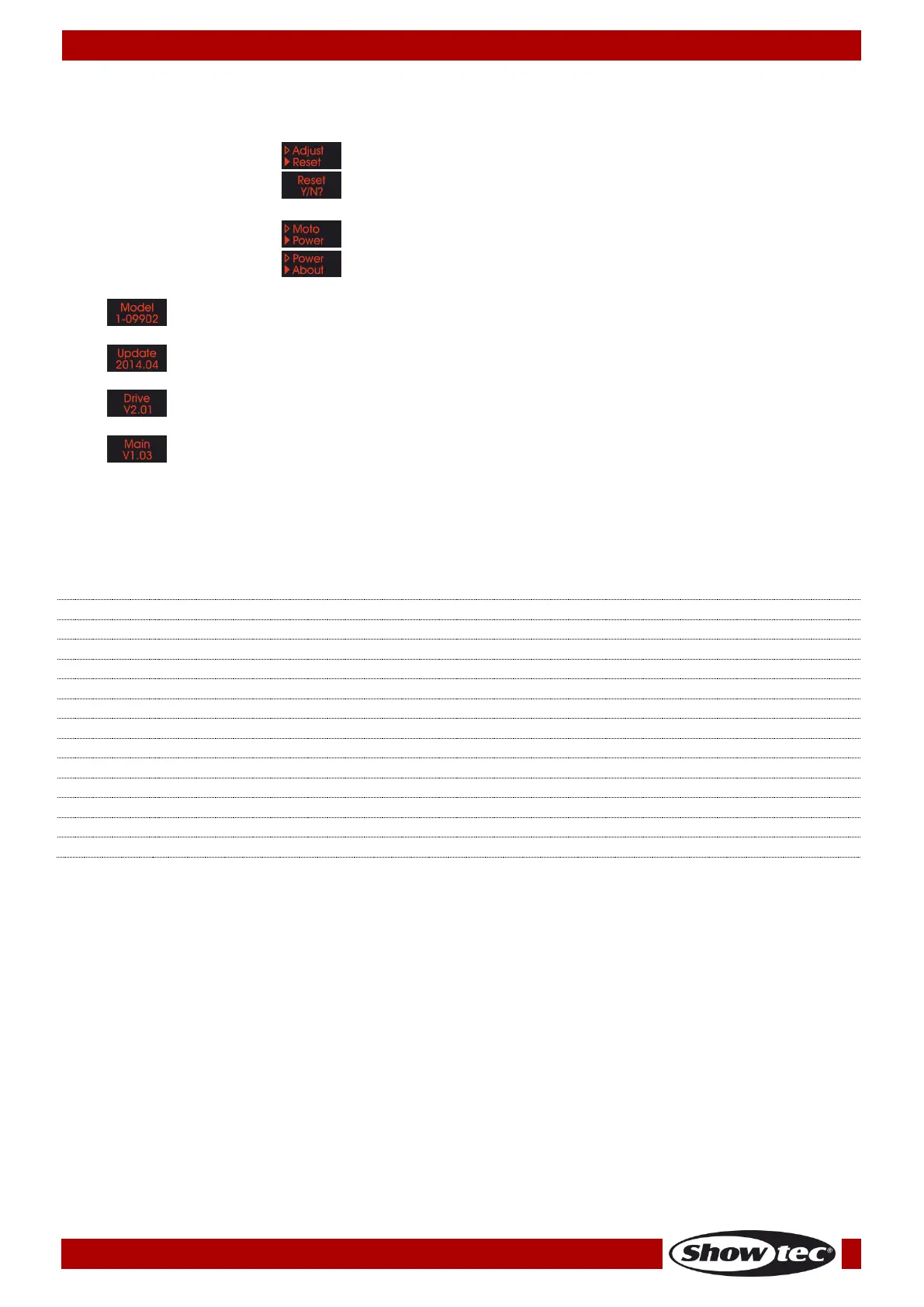
11) When the display shows , press the SETUP button to enter the menu.
12) When the display shows , press the SETUP button to restore the default settings. Otherwise,
press the MODE button to return to the previous menu, without resetting the device.
13) When the display shows . Press the SETUP button to see the device’s voltage.
14) When the display shows , press the SETUP button to enter the product specification menu.
15) Press the UP/DOWN buttons to toggle between the following pieces of information:
DMX Channels
1 Channel
LED closed, Wipe Out returns to the default horizontal position
LED closed, Wipe Out returns to the default horizontal position
Sound-controlled Mode, from low to high sound sensitivity











 To Next Page