16
6. Settings
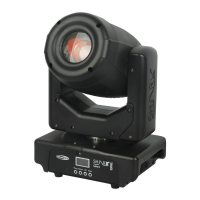
With this menu you can manually adjust the device’s settings.
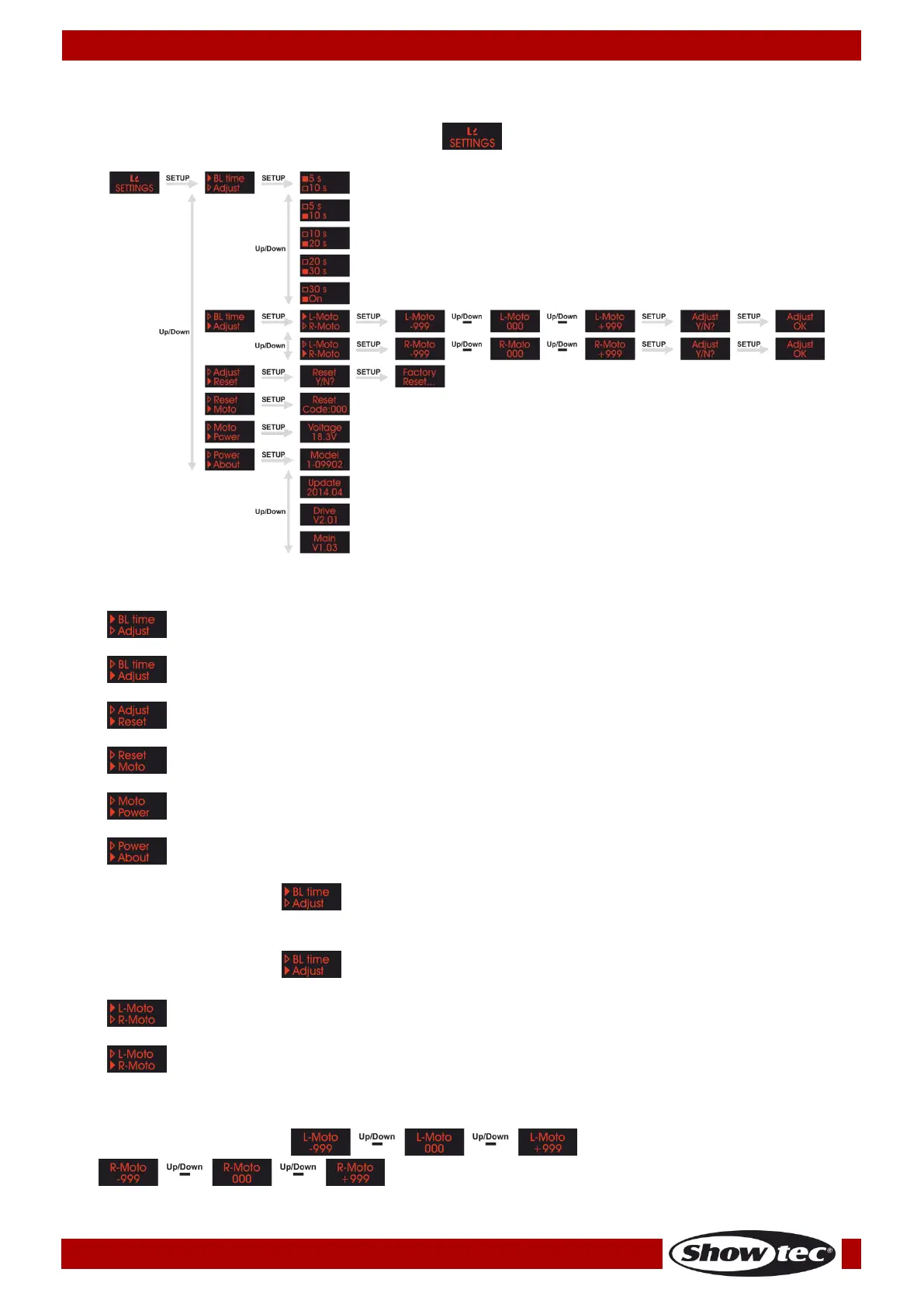
01) Press the MODE button until the display shows .
02) Press the SETUP button to open the menu.
03) Press the UP/DOWN buttons to toggle between the following 6 options:
Set the amount of time after which the display turns off
Set the value of the motor correction
Restore to factory default settings
Not functional at the moment
04) When the display shows , press the SETUP button to open the menu.
05) Press the UP/DOWN buttons to set the time after which the display turns off. There are 5 options to
choose from: 5s, 10s, 20s, 30s and On (the display remains continuously in ON position).
06) When the display shows , press the SETUP button to open the menu.
07) Press the UP/DOWN buttons to choose one of the 2 motors:
08) Press the SETUP button to enter one of the 2 menus.
09) Press the UP/DOWN buttons to change the value of the motor correction. The adjustment range for
the left motor is between and for the right motor
.



 To Next Page