Shure Incorporated
13/26
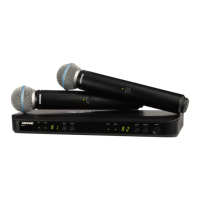
BLX2
The BLX2 features two gain level settings, default and attenuated (10 dB). The default setting is used for most sit
uations. If the receiver audio LED flickers red often, set the microphone to attenuated. Use the channel button to
change the gain setting.
1. Hold down the channel button for 5 seconds.
A dot appears on the lower righthand corner of the LED display, which indicates −10 dB gain setting has been
activated.
2. To change the gain back to default, hold the channel button again for 5 seconds, or until the dot disappears.
Batteries
Expected life for AA batteries is up to 14 hours (total battery life varies depending upon battery type and manufac
turer).
When the LED indicator turns red, it signifies "low battery" with approximately 60 minutes of remaining battery life.
For alkaline batteries only. For rechargeable batteries, solid red means the batteries are dead.
To remove batteries from the handheld transmitter, push them out through the opening in the microphone battery
compartment.



 To Next Page
 Loading...