Shure Incorporated
5/23
5.
6.
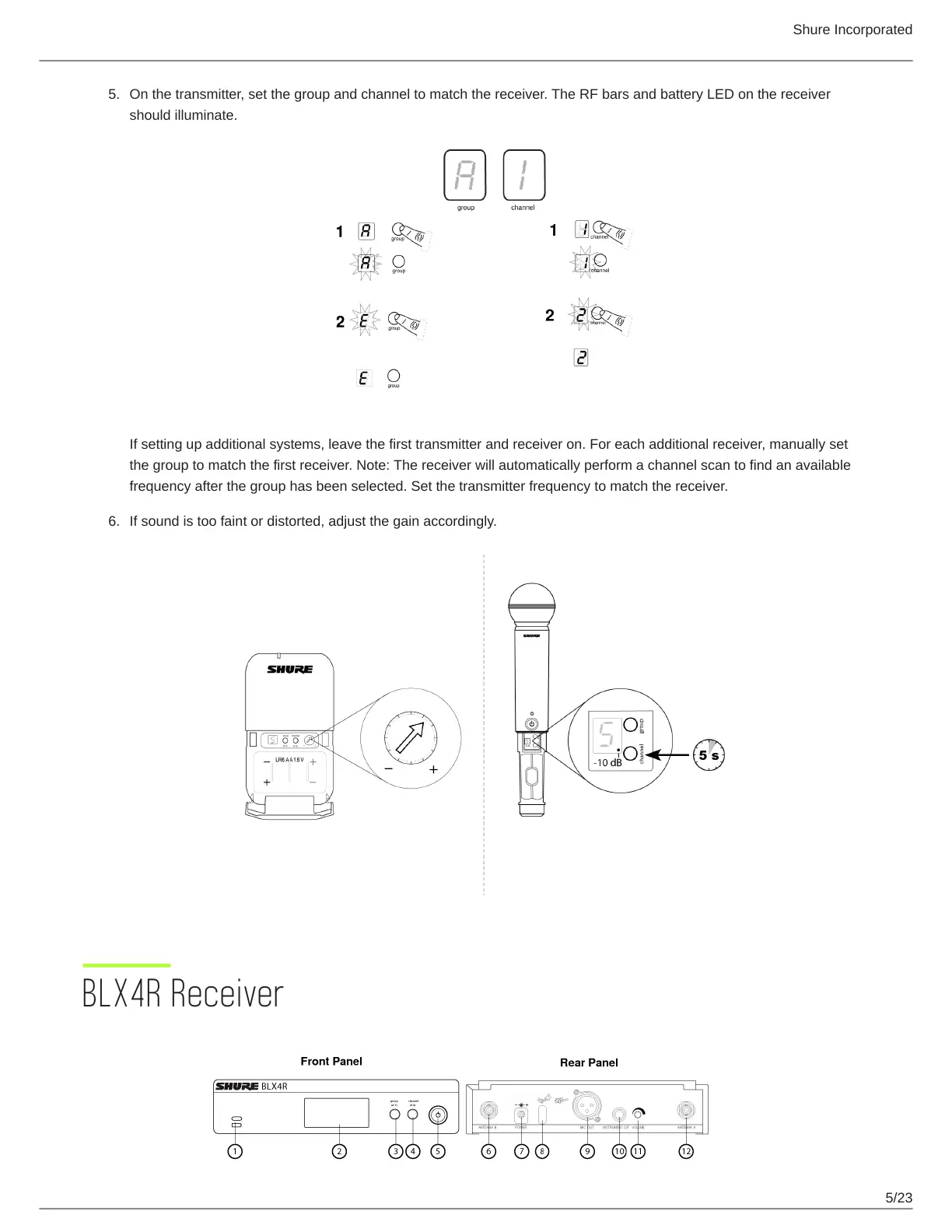
On the transmitter, set the group and channel to match the receiver. The RF bars and battery LED on the receiver
should illuminate.
If setting up additional systems, leave the first transmitter and receiver on. For each additional receiver, manually set
the group to match the first receiver. Note: The receiver will automatically perform a channel scan to find an available
frequency after the group has been selected. Set the transmitter frequency to match the receiver.
If sound is too faint or distorted, adjust the gain accordingly.
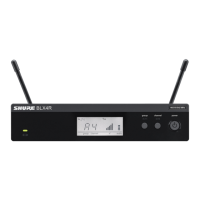
BLX4R Receiver



 To Next Page