Shure Incorporated
4/18
1.
2.
3.
4.
•
•
•
Quick Setup
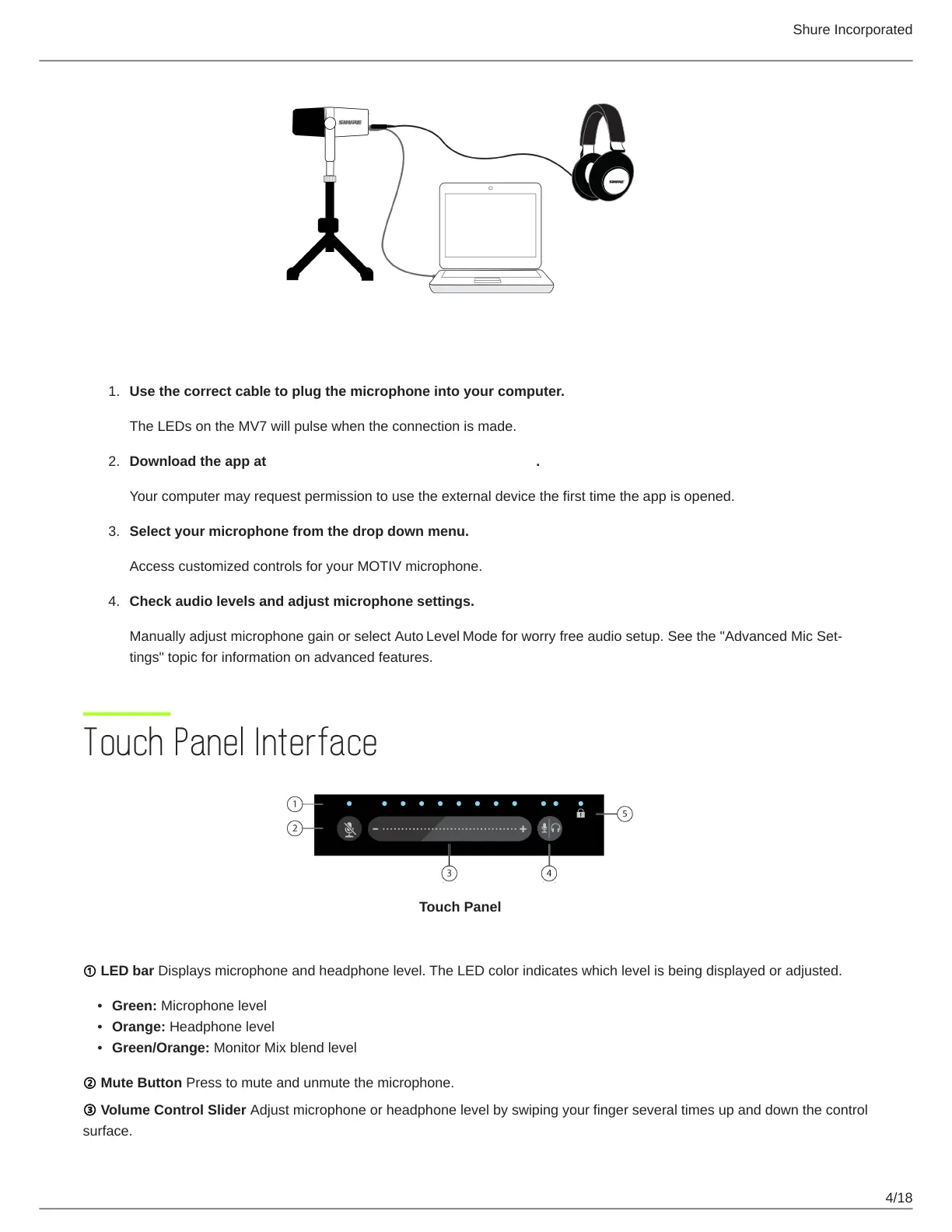
Use the correct cable to plug the microphone into your computer.
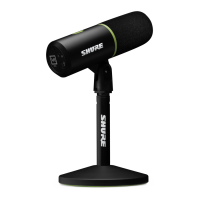
The LEDs on the MV7 will pulse when the connection is made.
Download the app at https://wwww.shure.com/MOTIVdesktop.
Your computer may request permission to use the external device the first time the app is opened.
Select your microphone from the drop down menu.
Access customized controls for your MOTIV microphone.
Check audio levels and adjust microphone settings.
Manually adjust microphone gain or select Auto Level Modeforworryfreeaudiosetup.Seethe"AdvancedMicSet-
tings" topic for information on advanced features.
Touch Panel Interface
Touch Panel
① LED bar Displays microphone and headphone level. The LED color indicates which level is being displayed or adjusted.
Green: Microphone level
Orange: Headphone level
Green/Orange: Monitor Mix blend level
② Mute Button Press to mute and unmute the microphone.
③ Volume Control Slider Adjust microphone or headphone level by swiping your finger several times up and down the control
surface.



 To Next Page