Shure Incorporated
10/16
•
•
1.
2.
3.
4.
1.
2.
3.
4.
5.
6.
1.
2.
3.
4.
5.
Network
Status
IP address must be valid to enable networked control.
Active: Indicates connectivity with other devices on the network
Inactive: No connectivity with other devices on the network
Utility Menu
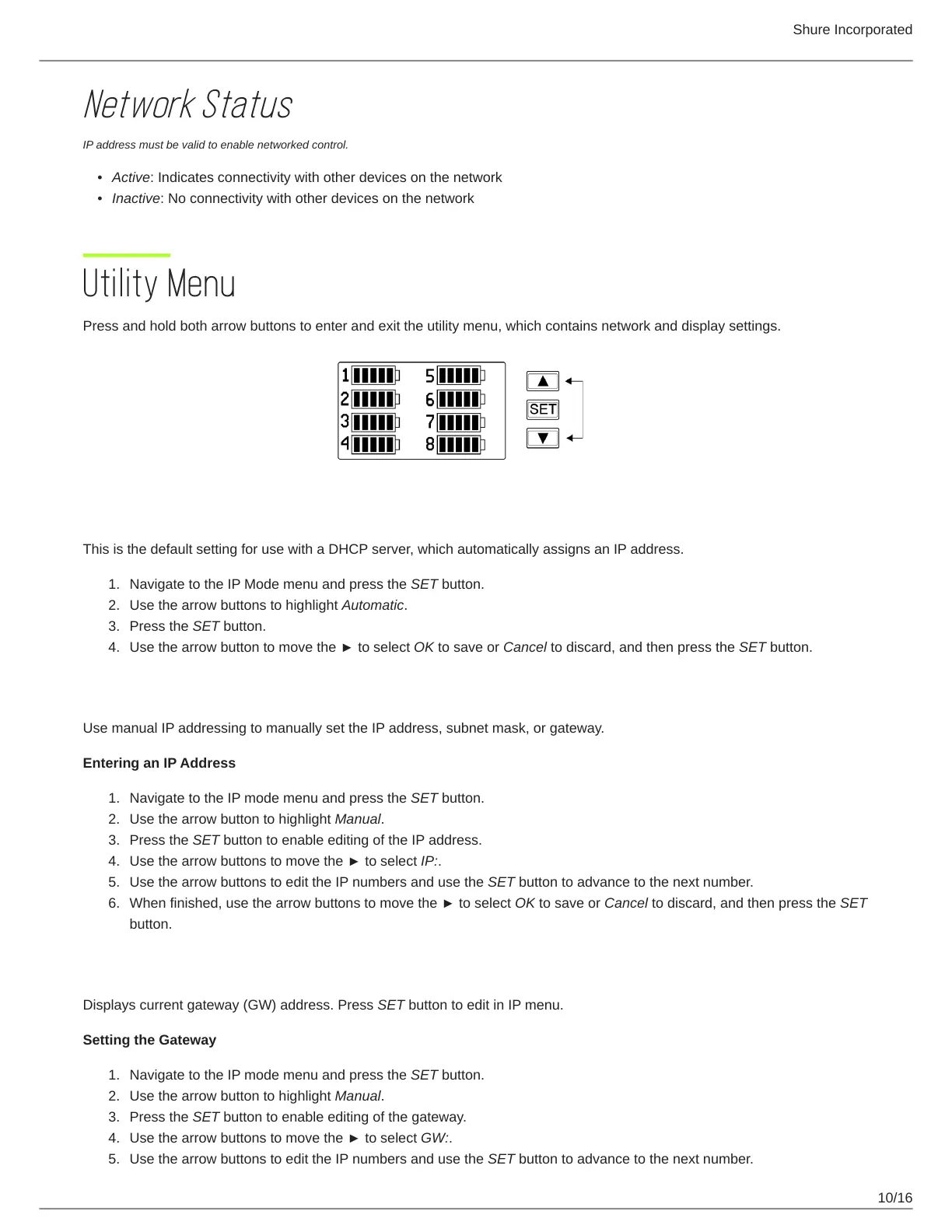
Press and hold both arrow buttons to enter and exit the utility menu, which contains network and display settings.
IP Address Mode:
Automatic
This is the default setting for use with a DHCP server, which automatically assigns an IP address.
Navigate to the IP Mode menu and press the SET button.
Use the arrow buttons to highlight Automatic.
Press the SET button.
Use the arrow button to move the ► to select OK to save or Cancel to discard, and then press the SET button.
IP Address Mode:
Manual
Use manual IP addressing to manually set the IP address, subnet mask, or gateway.
Entering an IP Address
Navigate to the IP mode menu and press the SET button.
Use the arrow button to highlight Manual.
Press the SET button to enable editing of the IP address.
Use the arrow buttons to move the ► to select IP:.
Use the arrow buttons to edit the IP numbers and use the SET button to advance to the next number.
When finished, use the arrow buttons to move the ► to select OK to save or Cancel to discard, and then press the SET
button.
GW Address
Displays current gateway (GW) address. Press SET button to edit in IP menu.
Setting the Gateway
Navigate to the IP mode menu and press the SET button.
Use the arrow button to highlight Manual.
Press the SET button to enable editing of the gateway.
Use the arrow buttons to move the ► to select GW:.
Use the arrow buttons to edit the IP numbers and use the SET button to advance to the next number.



 To Next Page