Shure Incorporated
9/16
1.
2.
3.
•
•
•
•
•
•
•
Monitoring Menu
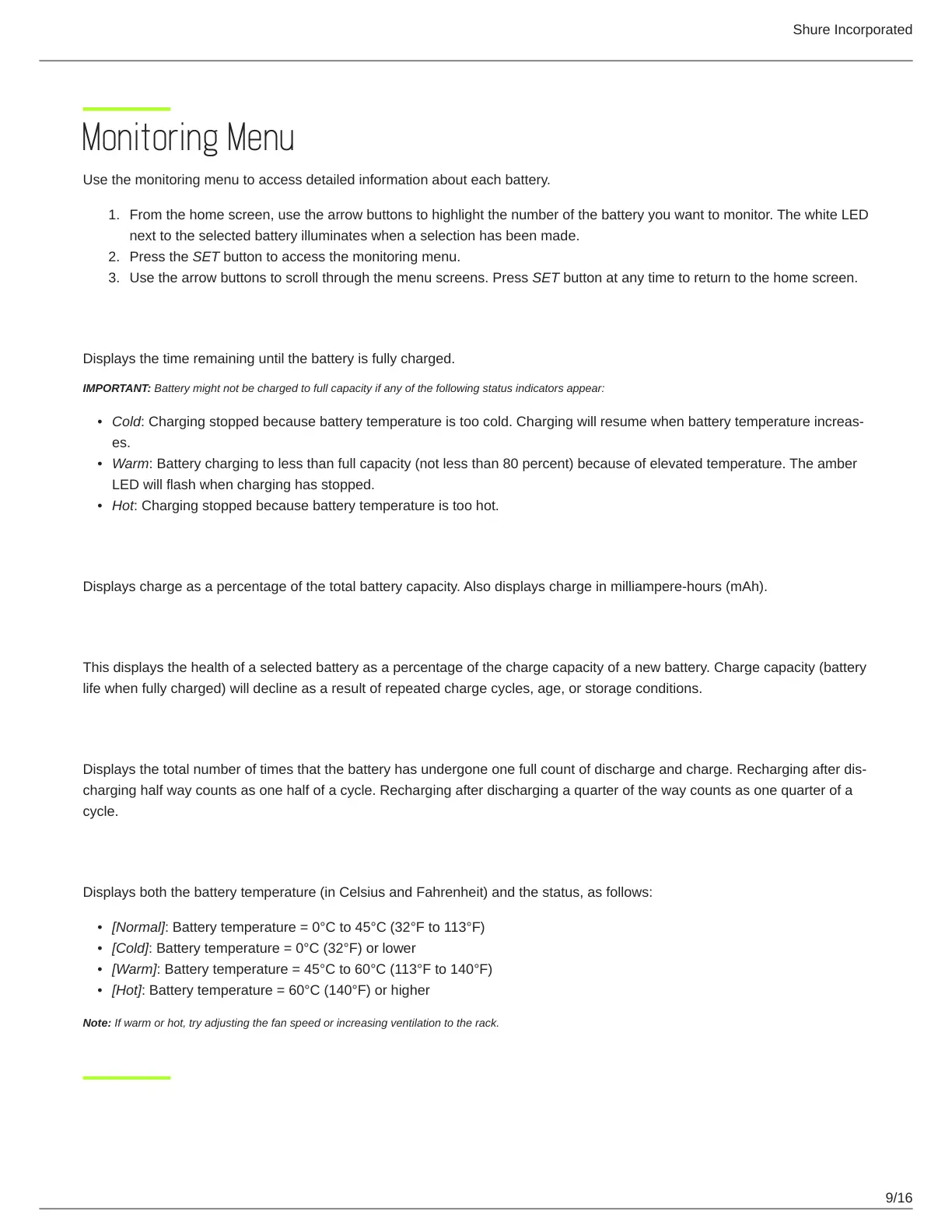
Use the monitoring menu to access detailed information about each battery.
From the home screen, use the arrow buttons to highlight the number of the battery you want to monitor. The white LED
next to the selected battery illuminates when a selection has been made.
Press the SET button to access the monitoring menu.
Use the arrow buttons to scroll through the menu screens. Press SET button at any time to return to the home screen.
Time
to
Full
Displays the time remaining until the battery is fully charged.
IMPORTANT: Battery might not be charged to full capacity if any of the following status indicators appear:
Cold: Charging stopped because battery temperature is too cold. Charging will resume when battery temperature increas
es.
Warm: Battery charging to less than full capacity (not less than 80 percent) because of elevated temperature. The amber
LED will flash when charging has stopped.
Hot: Charging stopped because battery temperature is too hot.
Charge
Status
Displays charge as a percentage of the total battery capacity. Also displays charge in milliampere-hours (mAh).
Battery
Health
This displays the health of a selected battery as a percentage of the charge capacity of a new battery. Charge capacity (battery
life when fully charged) will decline as a result of repeated charge cycles, age, or storage conditions.
Cycle
Count
Displays the total number of times that the battery has undergone one full count of discharge and charge. Recharging after dis
charging half way counts as one half of a cycle. Recharging after discharging a quarter of the way counts as one quarter of a
cycle.
Batt.
Temp.
(Battery Temperature)
Displays both the battery temperature (in Celsius and Fahrenheit) and the status, as follows:
[Normal]: Battery temperature = 0°C to 45°C (32°F to 113°F)
[Cold]: Battery temperature = 0°C (32°F) or lower
[Warm]: Battery temperature = 45°C to 60°C (113°F to 140°F)
[Hot]: Battery temperature = 60°C (140°F) or higher
Note: If warm or hot, try adjusting the fan speed or increasing ventilation to the rack.



 To Next Page