Operator's Manual S 65 E - S 65 E C 129
30
If the calibration has been carried out successfully, a confirmation message will be displayed.
On the contrary, the display of the message A20 indicates that:
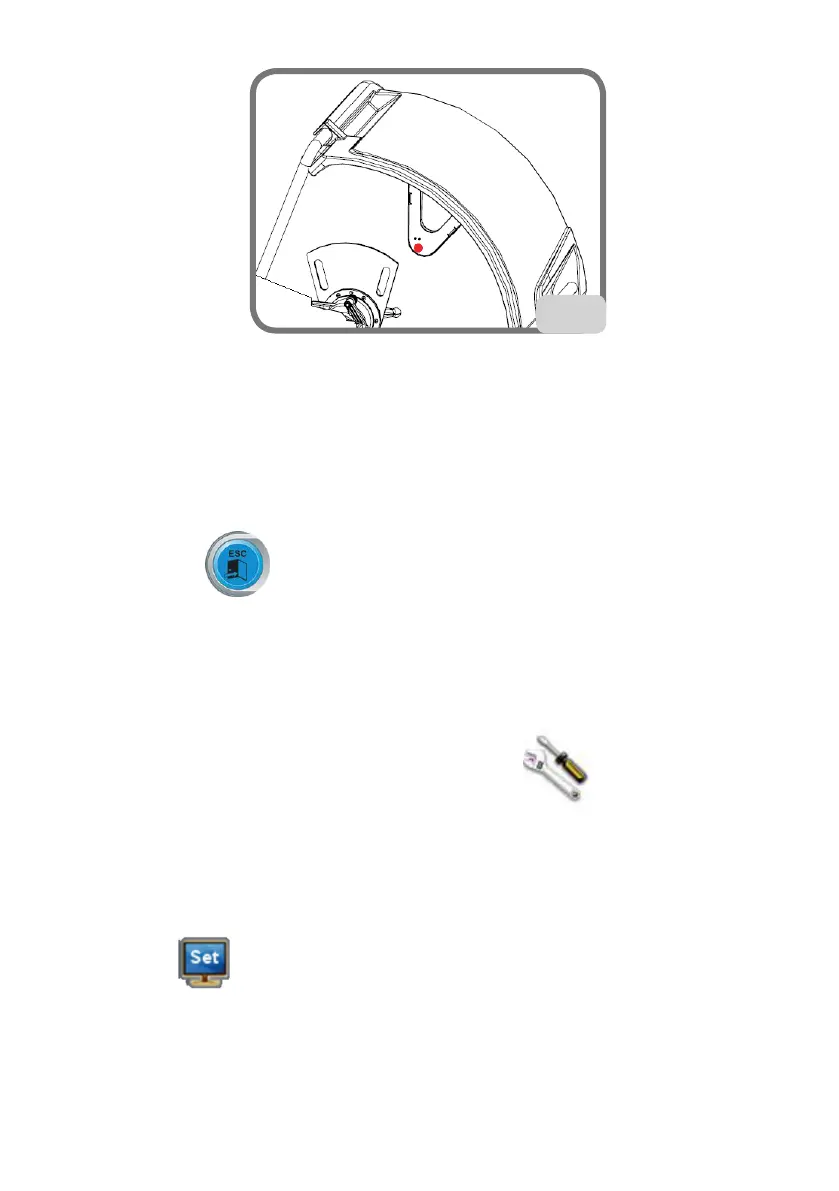
- the position of the calibration template during the calibration phase is not correct.
Therefore, position the template correctly, checking that the hole in the ultrasonic
sensor support is aligned with the calibration template (see figure 30) and repeat the
procedure.
- the internal sensor was not in the rest position. Position it to the rest position and repeat
the procedure.
Select the Exit key to exit the programme without performing the calibration.
Service
This programme displays some data that are used to test machine operation and to detect
the malfunctioning of some devices. Since these data are not useful for the operator, it is
recommended that only technical support technicians consult them.
Select the service programmes icon to display this programme .
Monitor Auto Setting
This program is used to optimise the synchronisation of the LCD motor approved by the
manufacturer. Proceed as follows to perform this synchronisation:
- select the MONITOR AUTO SETTING icon;
- once selected, the following screen will appear on the monitor


 To Next Page