130 Operator's Manual S 65 E - S 65 E C
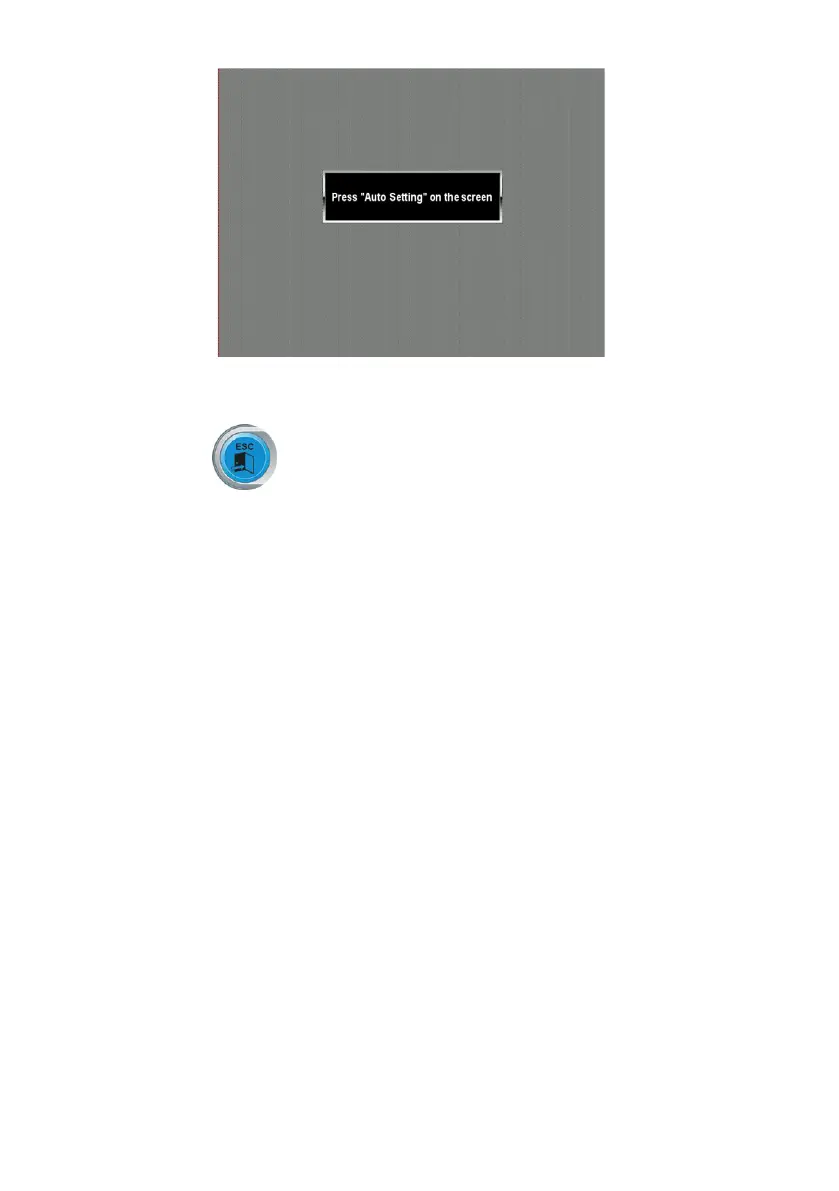
- to perform the synchronisation, press the corresponding key directly on the LCD moni-
tor (read the instructions in the monitor user manual).
Push the exit key to exit the program without performing the synchronisation.
IMPORTANT:
repeat the operation if necessary if synchronisation was not successful.
ERROR MESSAGES
The machine can recognise a certain number of malfunction conditions and signals them
by displaying the relevant messages.
– A – Notice Messages
A 3 wheel not suitable for performing the sensitivity calibration, use a wheel of
average dimensions (typically 5.5”X14”) or larger, but NOT exceeding a weight
of 40kg.
A 5 Incorrect dimension settings for an ALU programme. Correct the set dimen-
sions.
A 7 The machine is temporarily unable to select the requested programme.
Perform a wheel spin, then repeat the request.
A 20 Ultrasonic sensor calibration template in an incorrect position during calibra-
tion. Bring it to the position indicated and repeat the calibration.
A 26 Programme available only after selecting one of the following programmes:
ALU1P/ALU2P/MotorcycleDynamic/MotorcycleALUorifselectedinthe
Motorcycle Programme but with the wheel NOT in the centred position.
A 31 Optimisation procedure (OPT) already launched by another user.
A 52 Initiated the procedure for assembly of the hub of auto wheel
locking system. After 60 seconds, the procedure ends automatically.
A Stp Wheel stop during the spin phase.
Wheel movement is not integral with swinging unit movement: Check correct
wheel tightening.


 To Next Page