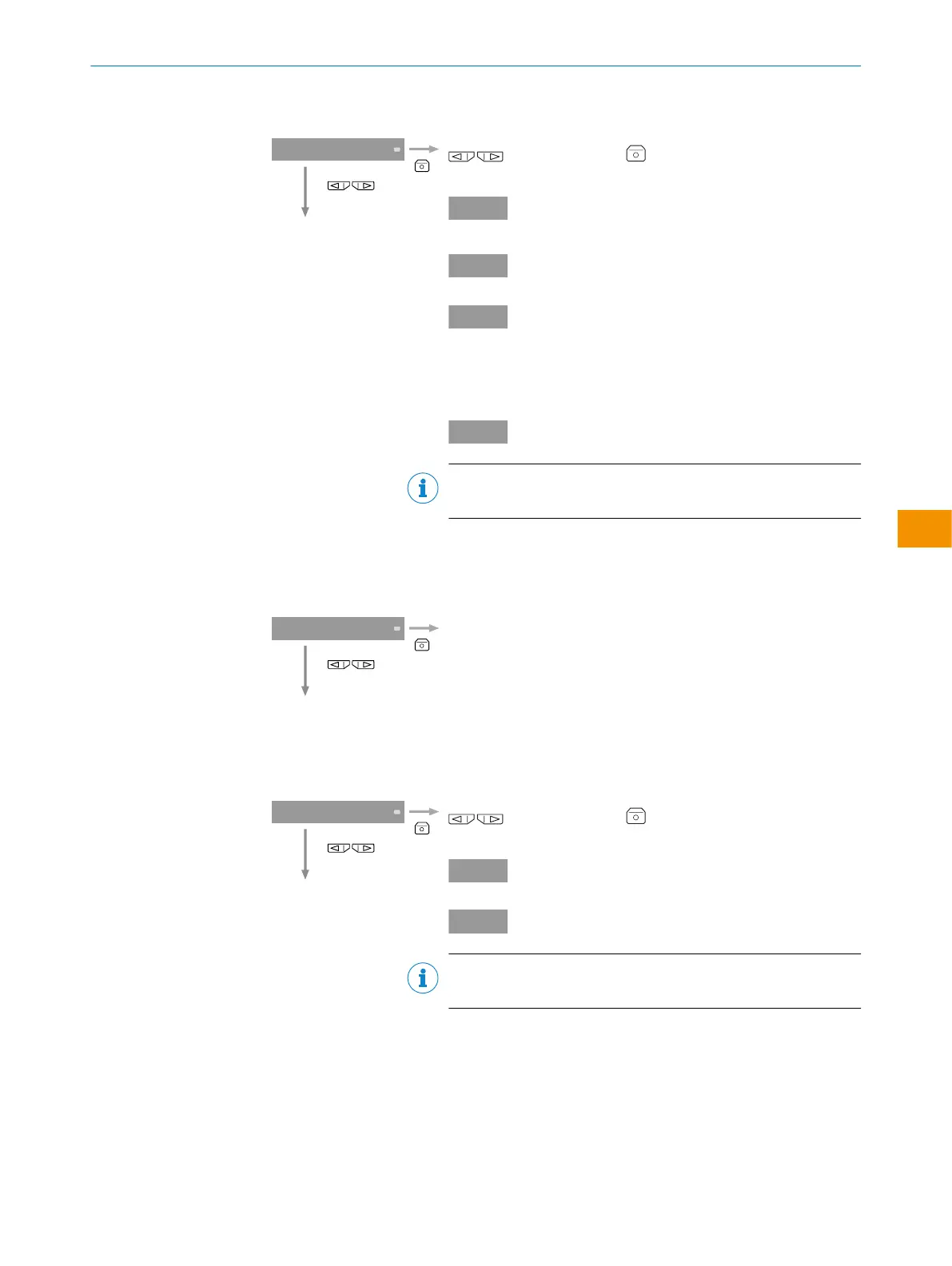
Table 15: External input function
Select an assignment for the external input.
select and adjust . The display reverts to the
External input function top menu.
Activates Single Value Teach-
in
Deactivates laser.
When the extreme value
memory is active, sets
the value memory to zero
(only if length measure‐
ment function is activated).
Resets the counter.
NOTE
Not supported for WI130T-P/N340
↓
5.7 Analog output configuration
Table 16: Analog output configuration
Changes to analog output menu.
table 21
↓
5.8 Copy mode configuration
Table 17: Copy mode configuration
Settings are copied to all bus-connected WI130 devices
select and adjust . The display reverts to the Copy
mode top menu.
No copy function
Copy function
NOTE
The locked evaluation unit will not be changed.
↓
5.9 Setting the display values to zero.
OPERATING INSTRUCTIONS
8020148.1HRJ/2023-02-08 | SICK O P E R A T I N G I N S T R U C T I O N S | Evaluation unit WI130
55
Subject to change without notice
en



 To Next Page