EasyManua.ls Logo

Siemens 100 - Page 7

Siemens 100
Print Icon
To Next Page IconTo Next Page
To Previous Page IconTo Previous Page
Loading...
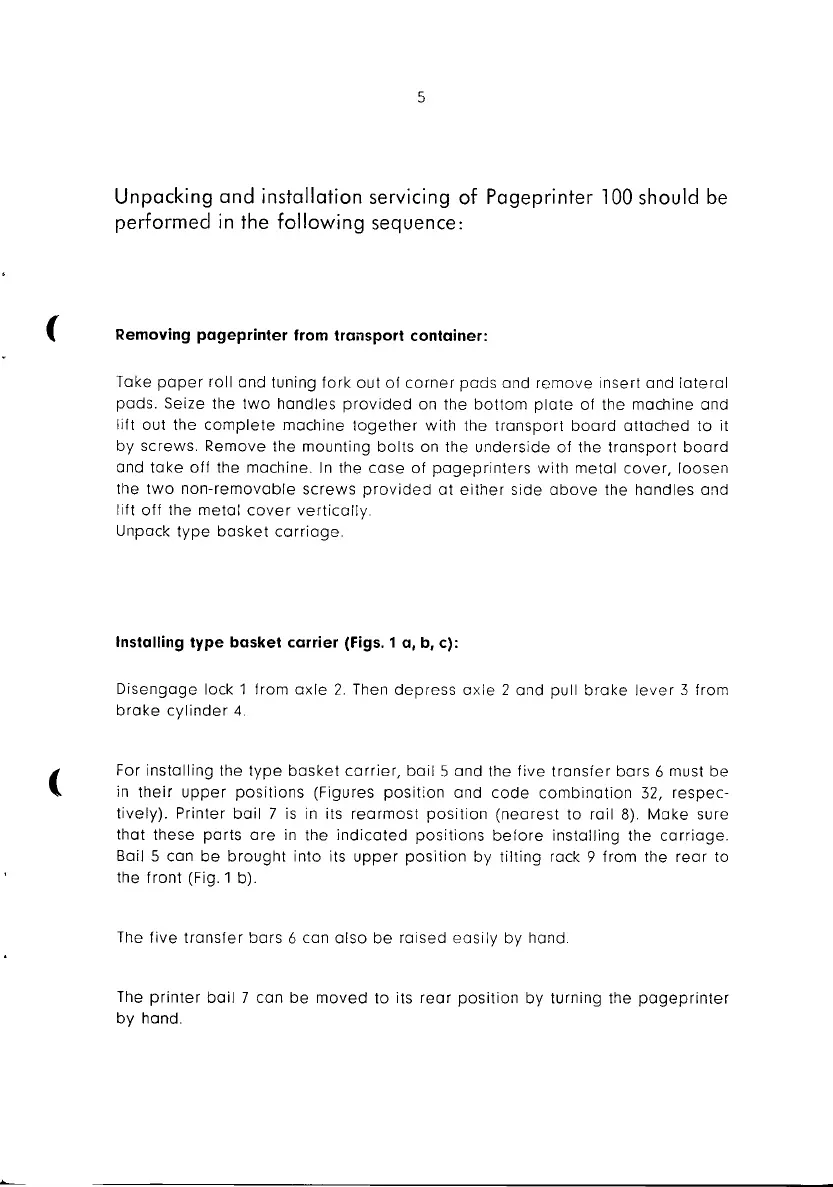
5
Unpacking
and
installation servicing
of
Pageprinter 100 should be
performed
in
the
following
sequence:
( Removing pageprinter from transport container:
Take
paper
roll and tuning fork out
af
corner
pads
and
remove
insert and
lateral
pads. Seize the
two
handles
pravided
on the
bottom
plate
of the machine and
lift out the
complete
machine
together
with
the
transport
board
attached
to
it
by screws. Remove the mounting
bolts
on the
underside
of
the
transport
board
and
take
off
the machine.
In
the
case
of
pageprinters
with
metal
cover,
loosen
the
two
non-removable
screws
provided
at
either
side
above
the handles and
lift
off
the
metal
cover
vertically
Unpack
type
basket
carriage.
Installing type basket carrier (Figs. 1 a,
b,
c):
Disengage
lock 1 from
axle
2.
Then
depress
axle
2 and pull
brake
lever
3 from
brake
cylinder
4.
(
For installing the
type
basket
carrier,
bail
Sand
the
five
transfer
bars
6 must
be
in
their
upper
positions
(Figures
position
and
code
combination
32,
respec-
tively).
Printer
bail
7 is
in
its
rearmost
position
(nearest
to
rail
8).
Make
sure
that these
parts
are
in
the
indicated
positions
before
installing the
carriage.
Bail 5 can
be
brought
into its
upper
position
by
tilting
rock 9 from the
rear
to
the
front
(Fig. 1 b).
The
five
transfer
bars
6 can
also
be
raised
easily
by hand.
The
printer
bail
7 can
be
moved
to
its
rear
position
by
turning the
pogeprinter
by
hand.

Related product manuals