CD3500 & CD4000 Installation and User manual 7
ENG
How to change an existing programming code
Proceed like this:
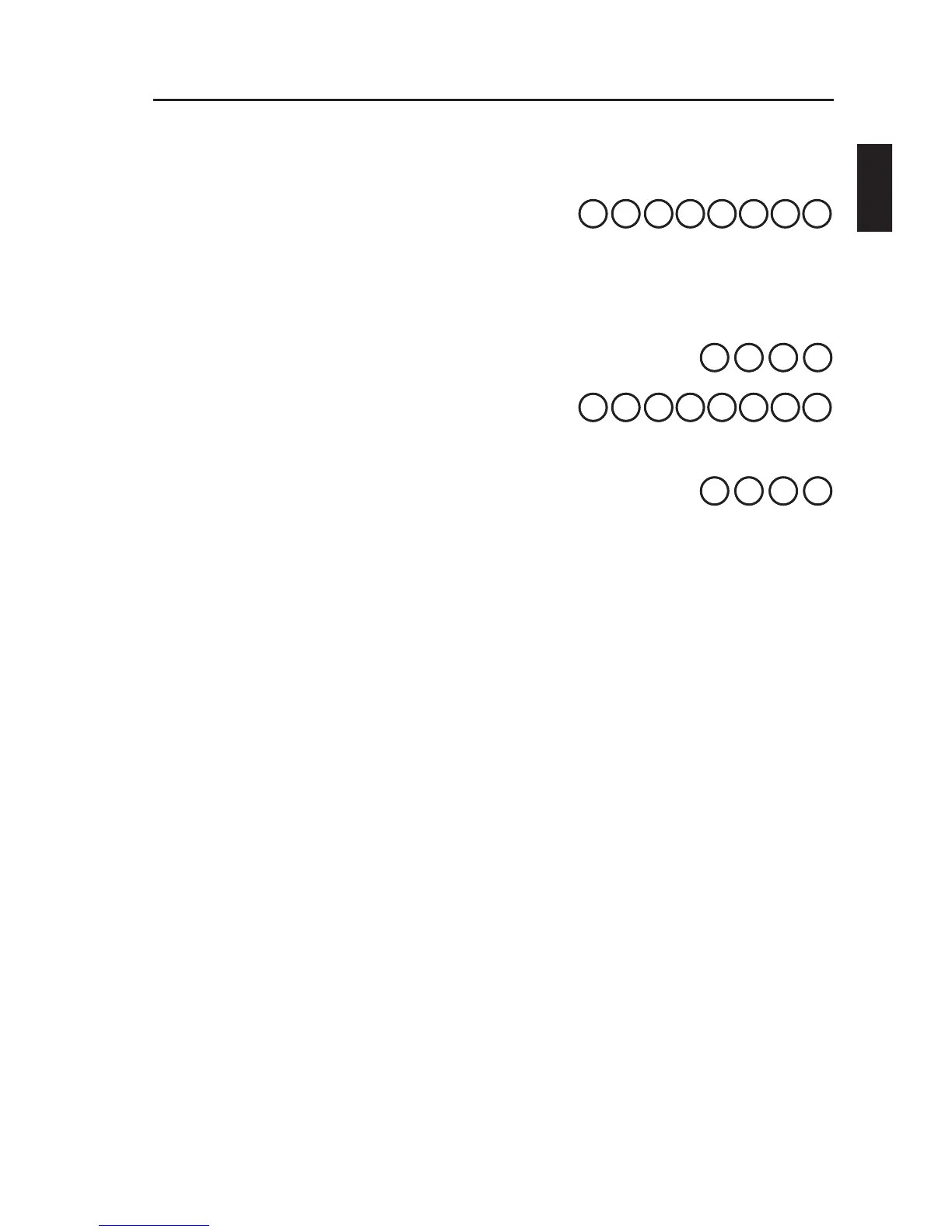
Press , then enter the existing
programming code (6 digits). Finish
by pressing .
The red LED will flash slowly, accompanied by simultaneous
sounding of the buzzer.
Enter 99 . The red LED will flash quickly.
Press then enter the new
programming code (6 digits). Finish
by pressing . The green LED is lit for
2 seconds.
Finish programming by entering 00 . As a
confirmation, a rising tone sounds from the buzzer.
Having set the programming code, Codoor can be fitted to the door
in accordance with the accompanying installation instructions. Do not
forget to make a note of the programming code.
1.
2.
3.
4.
5.













 To Next Page