EasyManua.ls Logo

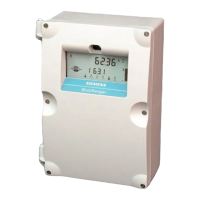
Siemens multiranger 200 - User Manual

Siemens multiranger 200
117 pages
Print Icon
To Next Page IconTo Next Page
Loading...
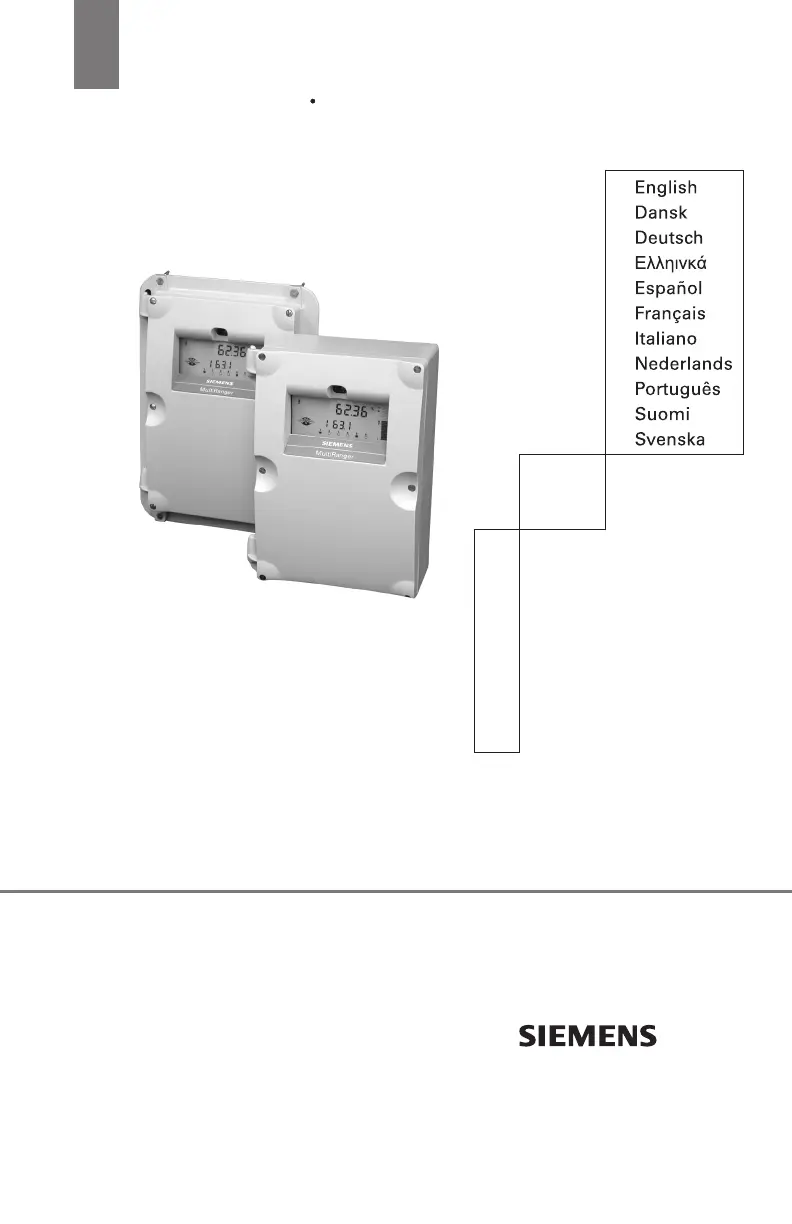
Quick Start Manual October 2003
multiranger
100 / 200

Other manuals for Siemens multiranger 200

Questions and Answers

  • N
    Nathaniel SanchezAug 16, 2025
    Why is my Siemens Measuring Instruments reading erratic?
    • B
      Brandon HunterAug 16, 2025
      If your Siemens Measuring Instruments reading is erratic, with little or no relation to the material level, it could be that the true echo is too weak or the wrong echo is being processed. To resolve this, relocate and/or re-aim the transducer.
  • M
    Melanie EvansAug 19, 2025
    What to do if Siemens Measuring Instruments displays EEEE?
    • C
      Christopher ReidAug 19, 2025
      If your Siemens Measuring Instruments displays 'EEEE', it means the value is too large to display in 4 or 5 characters. To fix this, select larger Units (P005), or lower Convert Reading (P061).
  • M
    Mike StewartAug 22, 2025
    What to do if Siemens Measuring Instruments displays LOE?
    • V
      Victoria BushAug 22, 2025
      If your Siemens Measuring Instruments displays 'LOE', it indicates a weak or non-existent echo. To resolve this, relocate and/or re-aim the transducer.
  • J
    Joshua RamirezAug 25, 2025
    Why does Siemens Measuring Instruments reading fluctuate?
    • D
      Deanna SmithAug 25, 2025
      If the reading on your Siemens Measuring Instruments fluctuates while the material level is still (or vice versa), it is likely due to incorrect measurement stabilization. You can adjust the Maximum Process Speed (P003) or damping (P704) to correct this.
  • K
    Keith WatkinsAug 27, 2025
    What does Error and tb:(#) mean on Siemens Measuring Instruments?
    • D
      dfosterAug 28, 2025
      If your Siemens Measuring Instruments displays 'Error and tb:(#)', it could be due to several reasons: 1. The wrong transducer is selected (P004). Re-enter the correct transducer type. 2. The transducer is connected in a “two wire” method. Do not tie white and shield together; use all three terminal blocks. 3. The transducer is connected backwards. Reverse the black and white wires on the terminal block.
  • S
    Sarah HallAug 31, 2025
    What to do if Siemens Measuring Instruments reading is fixed?
    • S
      Shari WilkinsonAug 31, 2025
      If the reading on your Siemens Measuring Instruments is fixed regardless of the actual material level, the transducer acoustic beam might be obstructed, the standpipe too narrow, or the transducer ringing (reads over 100%). Try relocating and/or re-aiming the transducer at the material level or object.
  • A
    Ashley ReevesSep 2, 2025
    What to do if Siemens Measuring Instruments displays Open and tb:(#)?
    • D
      Danielle NelsonSep 3, 2025
      If your Siemens Measuring Instruments displays 'Open and tb:(#)', it indicates that the transducer is either not connected, the connection is reversed, there is an open circuited transducer cable, or a defective transducer at the indicated terminal block number. Check the connection to the displayed terminal blocks and repair or replace components as necessary.
  • K
    Kelsey HerreraSep 6, 2025
    What to do if Siemens Measuring Instruments displays Short and tb:(#)?
    • A
      Amanda FrancisSep 6, 2025
      If your Siemens Measuring Instruments displays 'Short and tb:(#)', it means there is a short-circuited transducer cable, or a defective transducer at the indicated terminal block number. Repair or replace as necessary.
  • C
    Cynthia BrownSep 9, 2025
    Why is my Siemens Measuring Instruments display blank?
    • A
      Andrew GarrettSep 9, 2025
      If the display of your Siemens Measuring Instruments is blank and the transducer is not pulsing, the cause is likely no power. Check the power supply, wiring, or power fuse.
  • J
    Joshua RussoSep 12, 2025
    Why isn't Siemens Measuring Instruments responding to programmer?
    • H
      Heidi BurkeSep 12, 2025
      If your Siemens Measuring Instruments is not responding to the programmer, it could be due to an obstructed infrared interface or a defective programmer. Check programmer usage: ensure it is 15 cm (6”) from the faceplate, pointed at the upper target.

Summary

Safety Guidelines

General Safety Precautions

Essential safety instructions for proper operation and protection.

Specifications

Power Specifications

Details on AC and DC power requirements, fuses, and consumption.

Installation Conditions

Environmental and site requirements for installation, including altitude and temperature.

Output Specifications

Information on analog, control relays, and communication outputs.

Input Specifications

Details on analog and discrete input types and their ranges.

Transducer Specifications

Compatible transducer series, cable requirements, and specifications.

Installation

Wall Mount Installation

Step-by-step guide for mounting the unit on a wall.

Conduit Cable Entry

Instructions for drilling and preparing conduit cable entry points.

Exposed Cable Entry

Guidance on using supplied glands for exposed cable entry.

Panel Mount Installation

Mounting the Enclosure in a Panel

Steps for preparing a panel cutout and mounting the enclosure.

Wiring Guide

Terminal Board Connections

Overview of terminal board layout for inputs and outputs.

Transducer Wiring

Specific wiring instructions and notes for transducer connections.

Relays Configuration

Relay Types and Ratings

Details on three and six relay models, control, and alarm relays.

Power Failure Behavior

How relays behave during a power failure.

mA Output Configuration

Information on mA output parameters and settings.

Power Connections

Guidelines for AC power connections and protection.

Operating Modes and Programming

Display and Indicator Functions

Explanation of the MultiRanger's display elements and indicators.

Programming the MultiRanger

How to set parameters using the hand programmer.

Activating the Device

Steps to activate the MultiRanger for operation.

Changing Parameters

Procedure for modifying parameter values.

Quick Start Parameters

P001 Operation Mode

Sets the type of measurement required for the application.

P002 Material Type

Defines the material type being measured, such as liquid or solids.

P003 Maximum Process Speed

Determines the reaction speed to level changes.

P004 Transducer Selection

Specifies the type of transducer to be used.

P005 Unit of Measurement

Specifies the units used for dimensional values.

P006 Empty Measurement Reference

Sets the distance from the transducer to the empty point.

P007 Span Measurement Range

Sets the range levels to be measured.

Troubleshooting Guide

Common Issues and Solutions

Common issues, their causes, and recommended actions for resolution.

Appendix A: Conduit Entry for Class 1, Div 2 Applications

Conduit Entry Details

Details on conduit entry requirements for specific hazardous area applications.

Siemens multiranger 200 Specifications

General IconGeneral
TypeUltrasonic level transmitter
Frequency50 kHz
Output4 to 20 mA
Communication ProtocolProfibus DP
Enclosure RatingIP67
DisplayLCD
Process Connection2" NPT
Process Temperature-40°C
Process PressureUp to 3 bar
Operating Temperature-20 to +60 °C (-4 to +140 °F)

Related product manuals