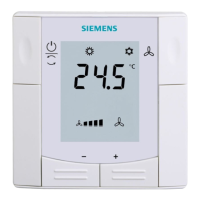
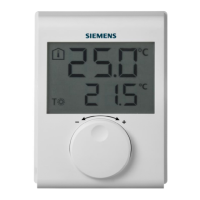
The transmitter is located in a plastic housing. Two buttons are visible on the rear when
removing the baseplate.
OVERRIDE
Override allows for temporarily overriding the active value from the sender. Override
responds differently depending on the radio connection (normal or fault).
Example A: Normal connection between sender and receiver
Press the OVERRIDE button to overwrite the value for ca. 14 minutes. The value then
returns to the setpoint.
Example B: Faulty connection between sender and receiver
Press the OVERRIDE button to permanently override the value. The value returns to the
setpoint after the connection between sender and receiver works again.
RF LED


 To Next Page