Operation
6.1 Status displays
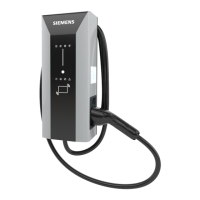
VersiCharge AC Wallbox IEC
46 Operating Instructions, 03/2021, A5E50366109-AA
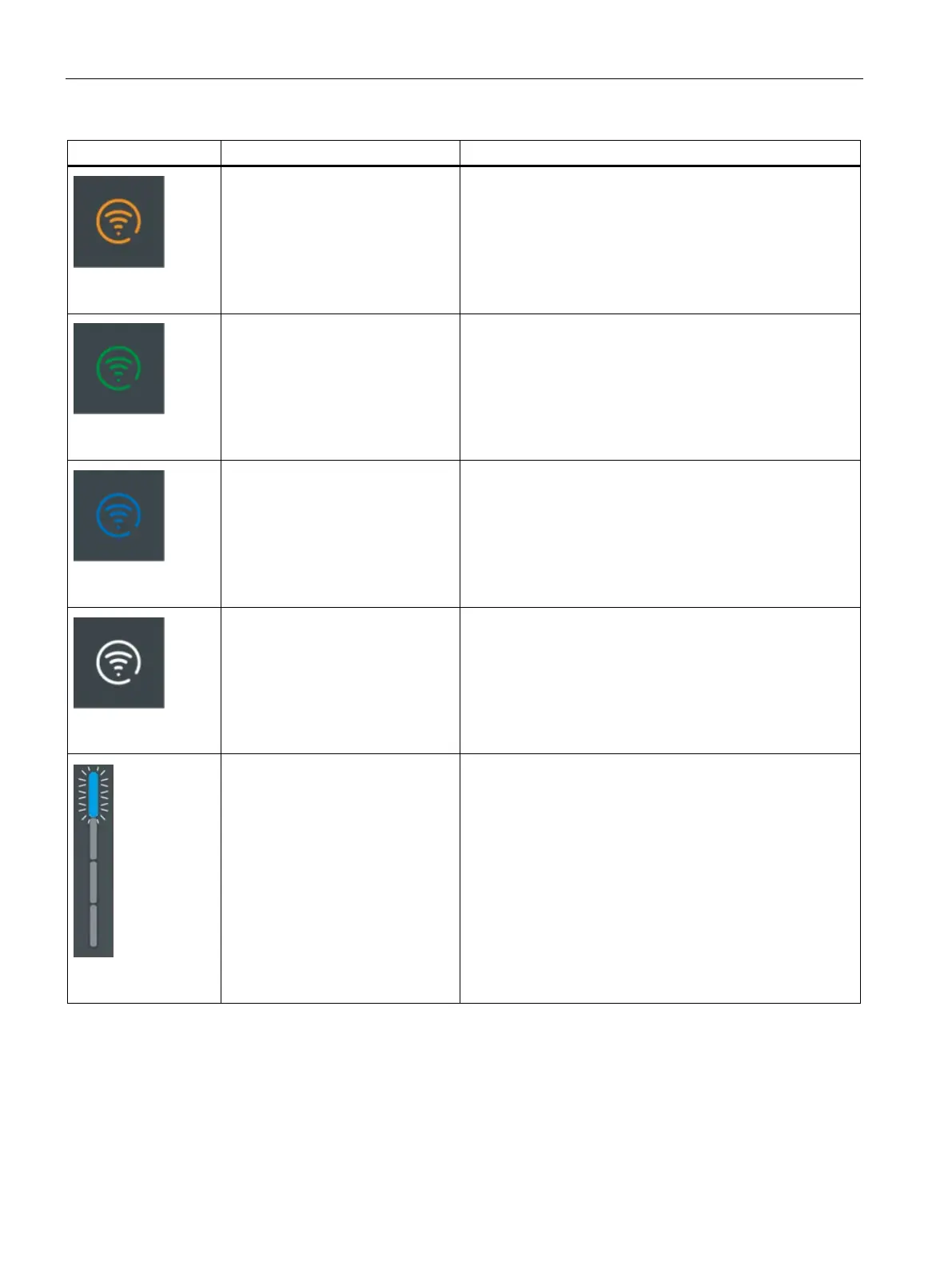
Lights up orange
Charger is connected to router.
Weak Wi-Fi.
Strengthen the Wi-Fi. Read the note about changing the SSID
and password in the section Commissioning with PC or mo-
bile device (Page 37).
Lights up green
Charger is connected to router.
Strong Wi-Fi.
Flashes blue
Attempting to connect to Siemens
Device Management
Lights up white
Ready for operation (with success-
ful connection and registration in
Siemens Device Management)
Lights up blue
Unlock via RFID/ OCPP/ MODBUS




 To Next Page