Operation
6.2 Charging
VersiCharge AC Wallbox IEC
Operating Instructions, 03/2021, A5E50366109-AA
51
Completing the charging
You or the electric vehicle can stop charging at any time.
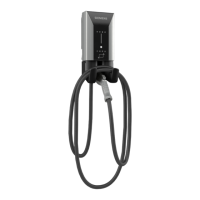
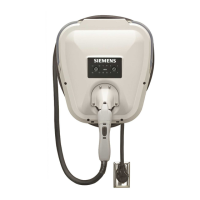
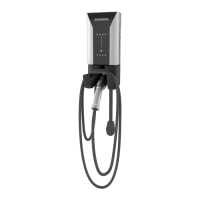
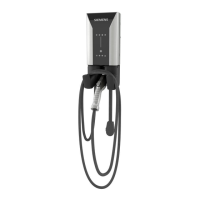
Option: Permanently installed charging cables
After charging, place the permanently installed charging cable in the holder provided.
Cables that are not stowed may cause the following hazar
ds:
You may trip over it
Damage to the plug
Damage to the cable
Moisture may enter the plug
There are 3 different ways to terminate charging:
Proceed as follows to end the charging process with the RFID card:
1. Place the RFID card onto the icon for the card reader.
Once the RFID card has been identified, the validity is checked.
2. Charging stops.
3. Remove the charging cable.
4. Also unplug the connector from the socket of your electric vehicle.
5. Stow away the provided charging cable. To do this, follow the instructions in the manual for
your vehicle.
Proceed as follows to end the charging process with the operator app:
1. Charging point selection: Select your vehicle or the charging point by the operator.
2. End the charging process.
3. Remove the unlocked charging cable.
4. Also unplug the connector from the socket of your electric vehicle.
5. Stow away the provided charging cable. To do this, follow the instructions in the manual for
your vehicle.
Proceed as follows to end the charging process by disconnecting the vehicle:
1. Follow the instructions in the manual for your vehicle.
2. End the charging process.
3. Unlock the charging cable on the vehicle.
4. Remove the plug from the socket of your electric vehicle.
5. Remove the plug from the charging station.
6. Stow away the provided charging cable. To do this, follow the instructions in the manual for
your vehicle.





 To Next Page