58
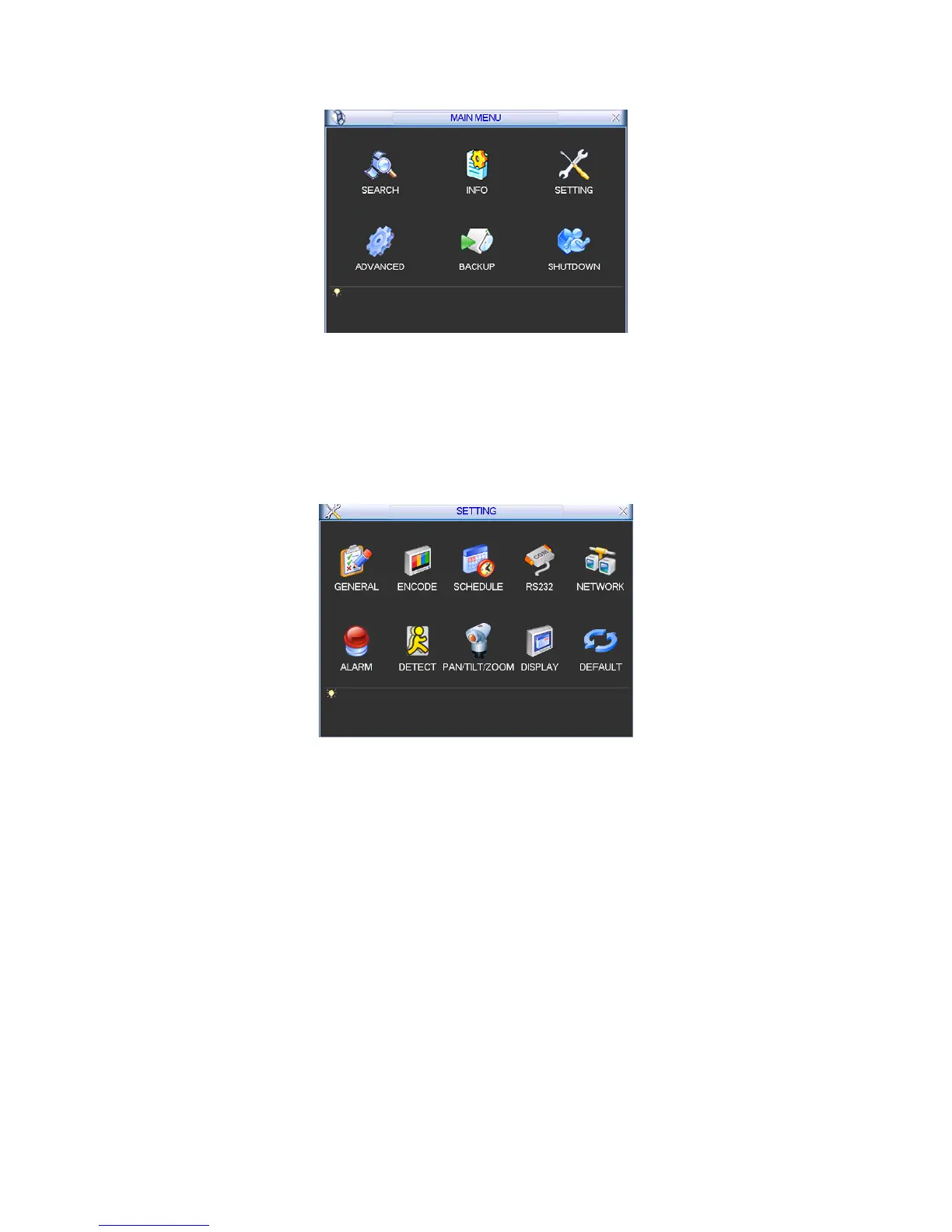
Figure 5-1
5.3 Setting
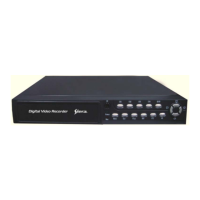
In main menu, highlight setting icon and double click mouse. System setting interface is shown
as below. See Figure 5-2.
Figure 5-2
5.3.1 General
General setting includes the following items. See Figure 5-3.
z System time: Here is for you to set system time
z Date format: There are three types: YYYYY-MM-DD: MM-DD-YYYYY or DD-MM-YYYY.
z Date separator: There are three denotations to separate date: dot, beeline and solidus.
z DST: Here you can set DST time and date. Please enable DST function and then click set
button. You can see an interface is shown as in Figure 5-4. Here you can set start time and
end time by setting corresponding week setup. In
X359H359H359HFigure 5-4X, enable date button, you can
see an interface is shown as in Figure 5-5. Here you can set start time and end time by
setting corresponding date setup.
z Time format: There are two types: 24-hour mode or 12-hour mode.
z Language: System supports various languages: Chinese (simplified), Chinese (Traditional),
English, Italian, Japanese, French, Spanish (All languages listed here are optional. Slight
difference maybe found in various series.)



 To Next Page