16
2 Overview and Controls
This section provides information about front panel and rear panel. When you install this series
DVR for the first time, please refer to this part first.
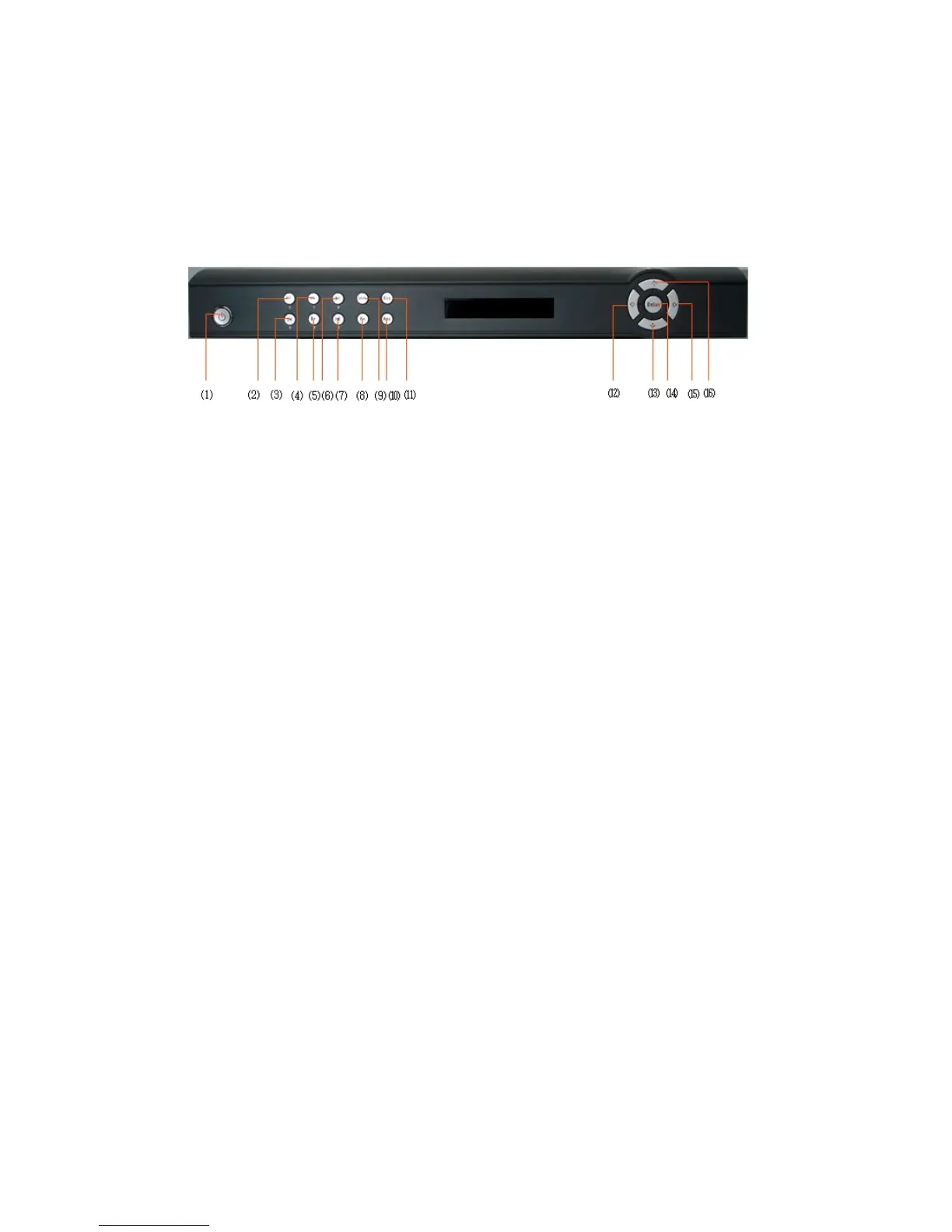
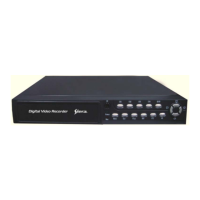
2.1 Front Panel SDR 2004
Figure 2-1
1
5. Slow play 6. Next 7. Previous 8. Assistant
9. Shift 10. Record 11. Cancel 12. Left
13. Down 14. O.K 15. Right 16. Up
. Power 2. Play/Pause 3. Reverse/Pause 4. Fast play



 To Next Page