67
5.3.5.7 FTP
You need to download or buy FTP service tool (such as Ser-U FTP SERVER) to establish FTP
service.
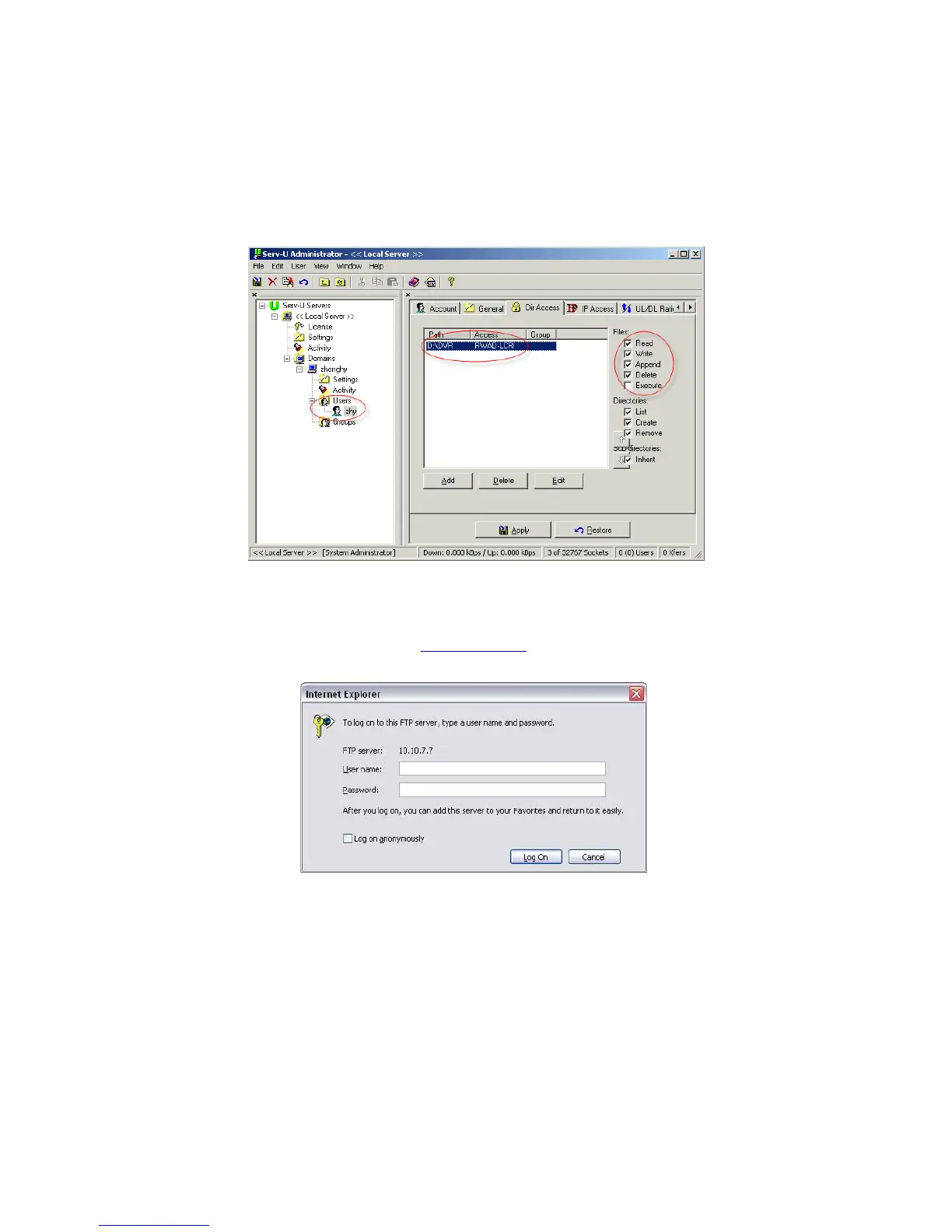
Please install Ser-U FTP SERVER first. From “start” -> “program” -> Serv-U FTP Server -> Serv-
U Administator. Now you can set user password and FTP folder. Please note you need to grant
write right to FTP upload user. See Figure 5-16.
Figure 5-16
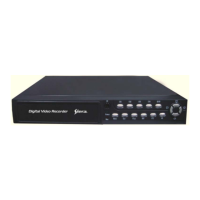
You can use a PC or FTP login tool to test setup is right or not.
For example, you can login user ZHY to
H140H140H140HTUFTP://10.10.7.7UTH and then test it can modify or delete
folder or not. See Figure 5-17.
Figure 5-17
System also supports upload multiple DVRs to one FTP server. You can create multiple folders
under this FTP.
In Figure 5-9, select FTP and then double click mouse. You can see the following interface. See
Figure 5-18.



 To Next Page