Installation
26 2130972
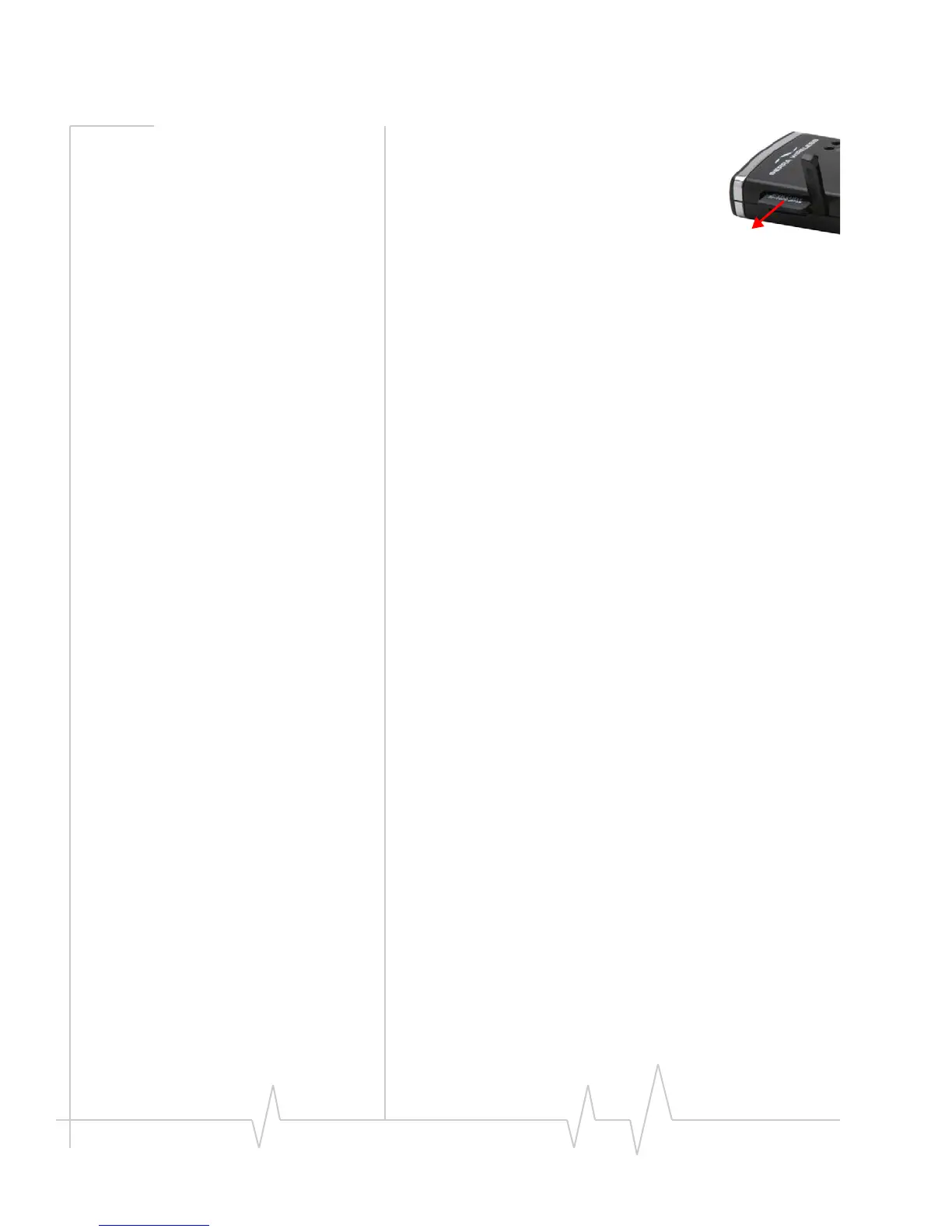
3. Usingyourfingernailorathinblunt
object,gentlypressthemicroSDcardin
andthenrelease;itshouldpartiallypop
outofitsslot,asshowninthephoto.
4. RemovethemicroSDcardandstoreitin
asafeplace.
5. ClosethetaboverthemicroSDcardofthe
modem.
Using an external antenna
Youcanimprovethesignalstrength,byattachinganexternal
antenna(soldseparately).The recommendedantennaisthe
5‐bandbladeantennawithSMKconnector,availablefrom
www.sierrawireless.com.
Toattachtheexternal antenna:
1. RemovetheUSBmodemfromyourcomputer.
2. Flipopentheunlabeledtab(onthesideofthemodem).
3. Holdingtheantennacablebytheconnector(end)part,
carefullypushtheconnectorpartofthecableintothe
correspondingconnectoronthemodem.
4. CarefullyinserttheUSBmodemintoyourcomputer’sUSB
slot.












 To Next Page