Compass 597 USB modem - User Guide
44 2130972
Connected
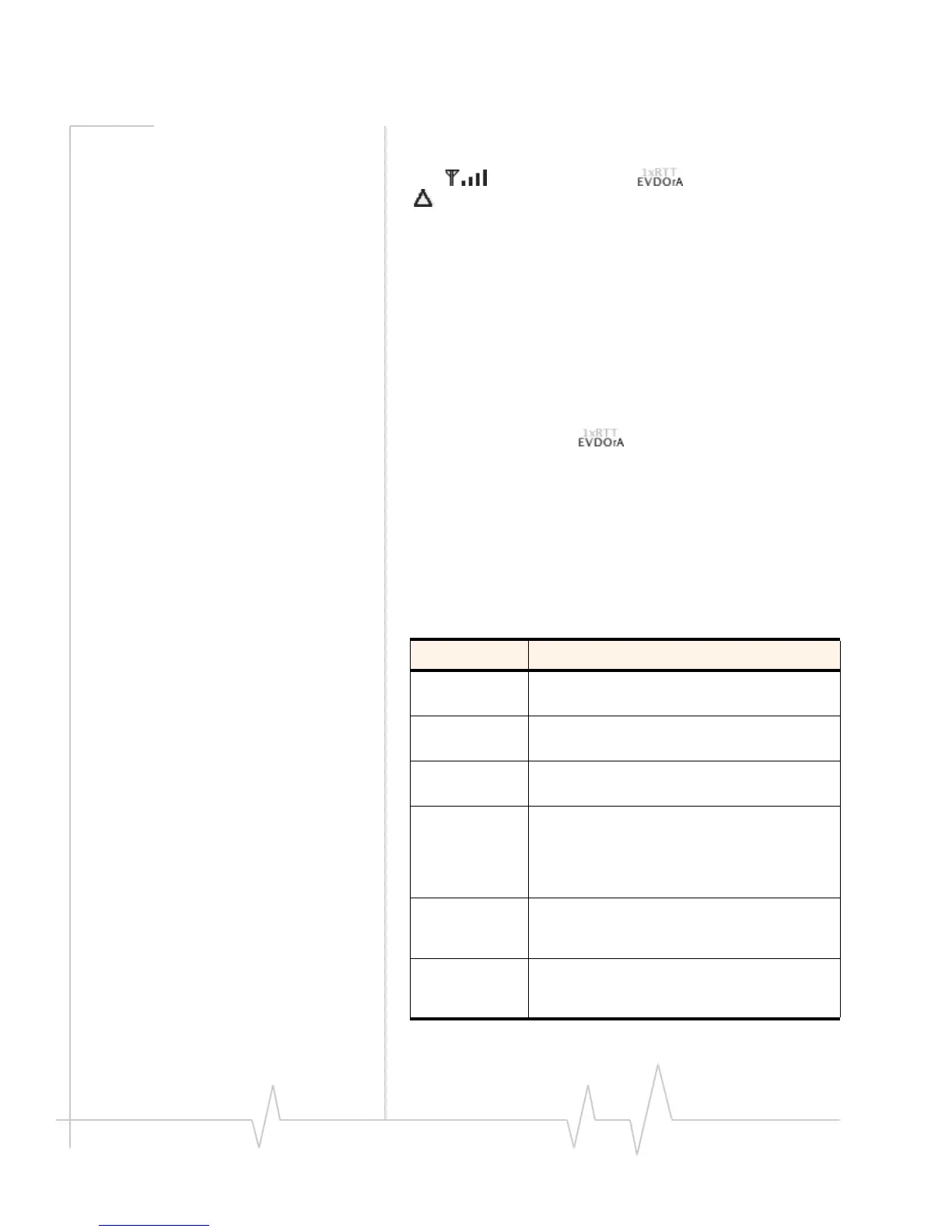
Theconnectionisestablished.Inadditiontothesignalstrength
icon(),coverageindicator(),androamingicon
(),theamountoftimeyou’vebeenconnectedandthe
amountofdatareceived(Rx)andtransmitted(Tx)arealso
displayed.(Seethenoteonpage 45.)
Toendtheconnection,click
Disconnect.
Device is Locked
Themodemislocked,sothatotherscannotusethemodem
andyouraccount.Tousemostofthefeatures,youmust
unlockthemodem(page 47).
Determining the type of coverage
AniconinWatcherLite()indicatesthetypeofcove rage
youhave(forexample,1X[synonymof1xRTT]or1xEV‐DO).
Seethetableonpage 42.
Watcher Lite menu options
Thefollowingtabledescribesthemenuoptionsavailablefrom
the
ExtrasitemontheSierraWirelessWatchermenu.
Table 6-2: Watcher Lite menu options
Menu item Description
Turn ... Device
Off
Power off your modem.
See “Powering the modem off” on page 47.
Activation Activate your modem.
See “Activation Assistant” on page 30.
Data
Provisioning
Provision your modem.
Lock Device /
Unlock Device
Lock your modem so that others cannot use it to
access your account; unlock your modem so
that you can use it.
See “Locking the modem” on page 46, or
“Unlocking the modem” on page 47.
About ... Device View information about the modem.
See “Displaying your phone number and ESN”
on page 45.
Open Internet
Connect
View, configure, and use the data and VPN
connections available on your computer (for
example, WWAN).












 To Next Page