Watcher Lite Basics (Mac)
Document 2130972. Rev 1.0 Apr.08 43
Connection states
TheWatcherLitewindowcandisplayvariousconnectionand
interactionstates,including:
• Nodevicedetected
• Notactivated
• UpdatingUserProfile
• Disconnected
• Connecting
• Connected
• DeviceisLocked
No device detected
WatcherLitedidnotdetectthemodem.The
Connectbuttonis
unavailable.
1. Insertthemodem.Ifitisalreadyinserted,removeand
reinsertit;waitafewmoments.
2. Ifthismessageisstilldisplayed,uninstall(page 48)and
reinstallWatcherLite.
Not activated
Touseyourmodem,youmustactivateit.UsetheActivation
Assistant(page 30).
Updating User Profile
WatcherLiteisperforming
accountsetupforyoubymakinga
connectiontotheCDMAnetworkandusingasecureInternet
connectiontodownloadaccountparameterstoyourmodem.
Disconnected
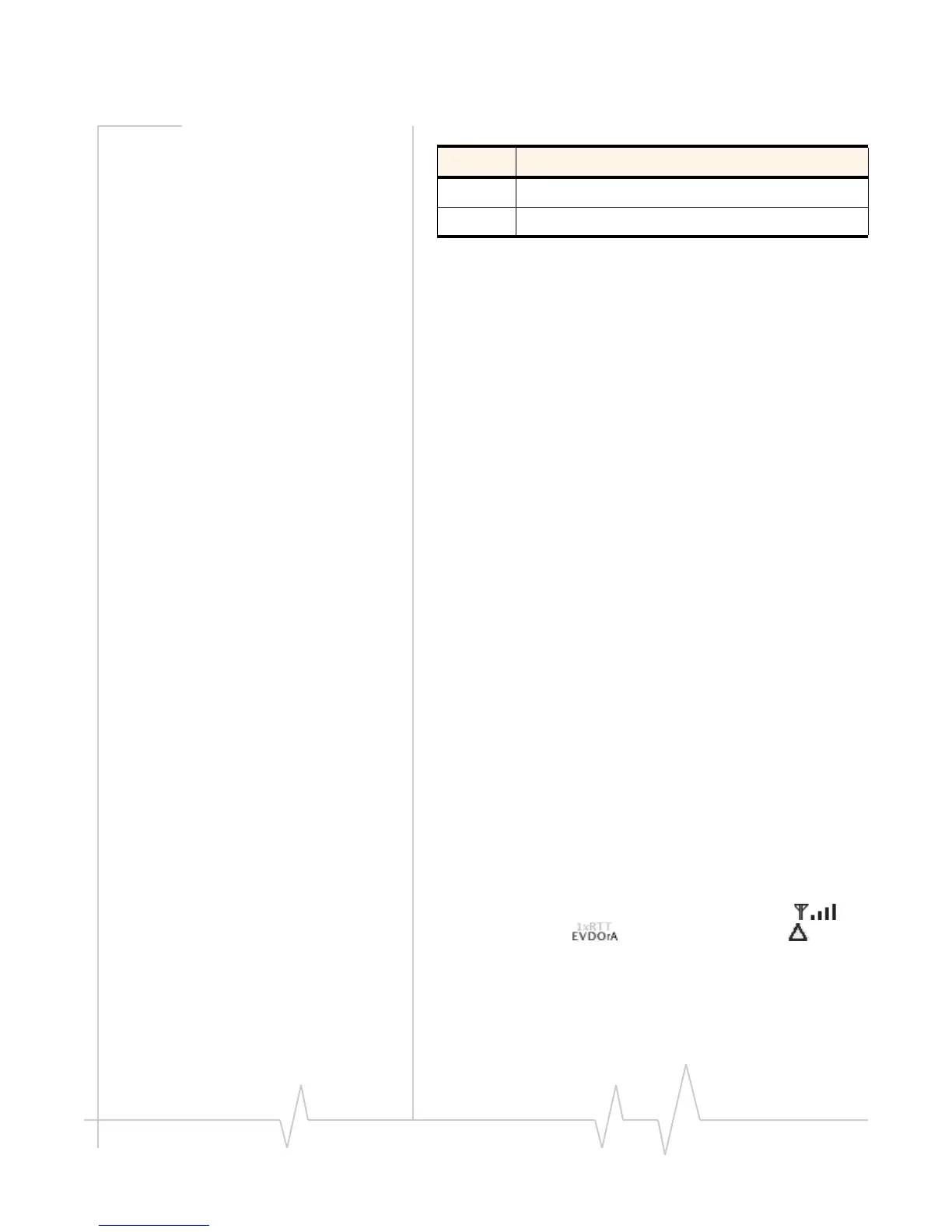
WatcherLiteisreadytomakeaconnectiontothenetwork.The
Connectbuttonisavailable;thesignalstrengthicon(),
coverageindicator(),andtheroamingicon()are
visible.
Toconnecttothenetwork,clickthe
Connectbutton.
Connecting
WatcherLiteisestablishingaconnectiontothenetwork.
Rx Amount of data received from the network.
Tx Amount of data transmitted to the network.
Table 6-1: Watcher Lite icons and text (continued)
Icon/text Meaning












 To Next Page