14
Wand Use
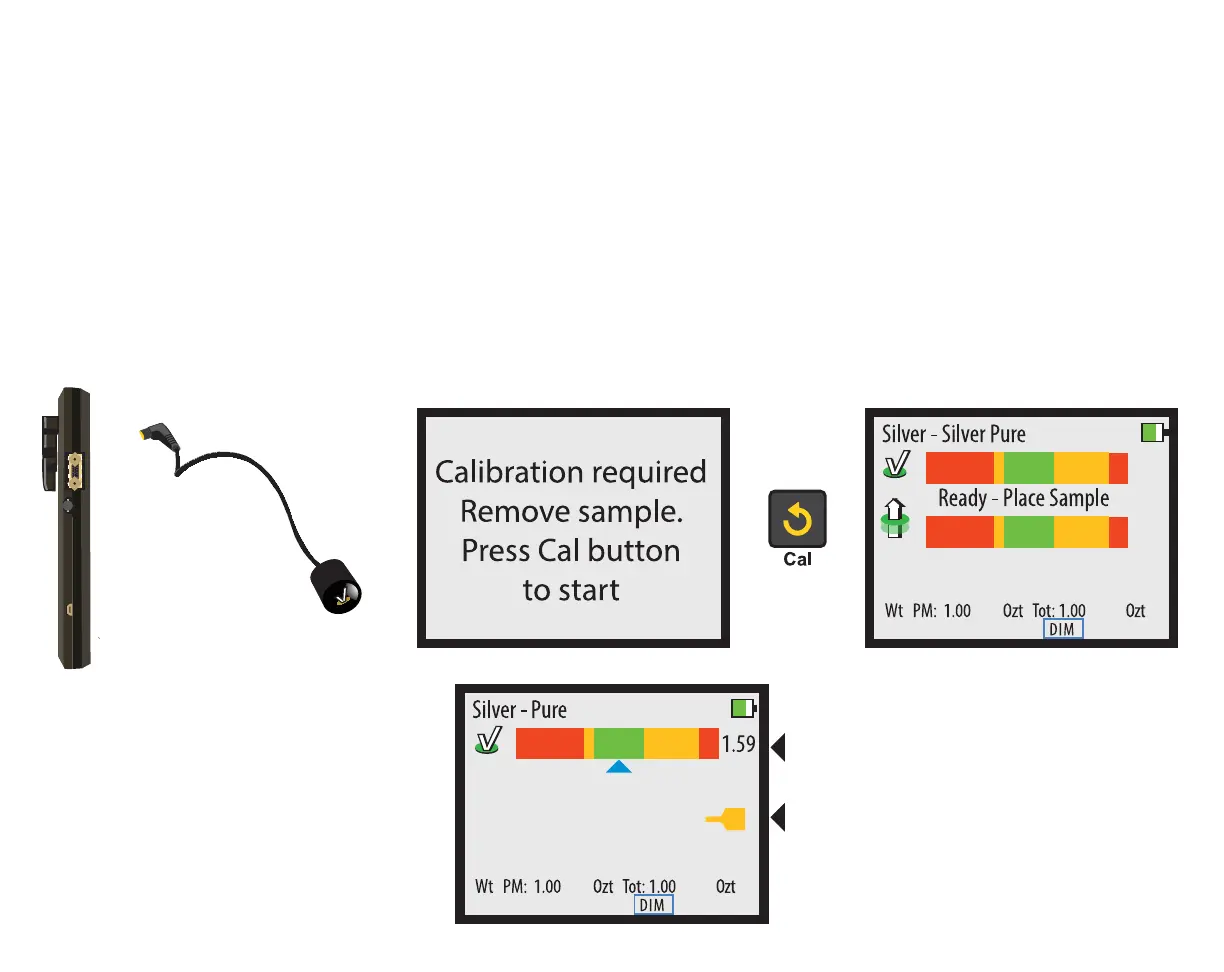
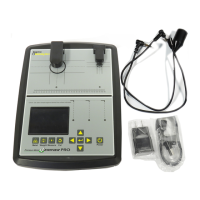
Wands are optional attachments for the PMV PRO. To use a Wand attachment, plug the Wand into the
Wand Connector on the right-hand side of the device. When you plug in the Wand, the device will ask
for calibration. Remove all samples from the device and ensure the Wand is at least one inch away from
any metal, then press the CAL button. When the READY screen is displayed, you may touch the face of
the Wand to a sample.
When measuring with the Wand, only the reading will display. There will also
be a yellow Wand indicator on the screen indicating the device is using the Wand’s sensor.
When the Wand is touched to metal,
the screen will change to show the
results of the reading. There is only
one bar and a yellow icon appears to
indicate that the wand is in use.


 To Next Page