16
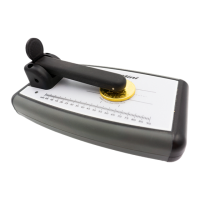
External Bridge
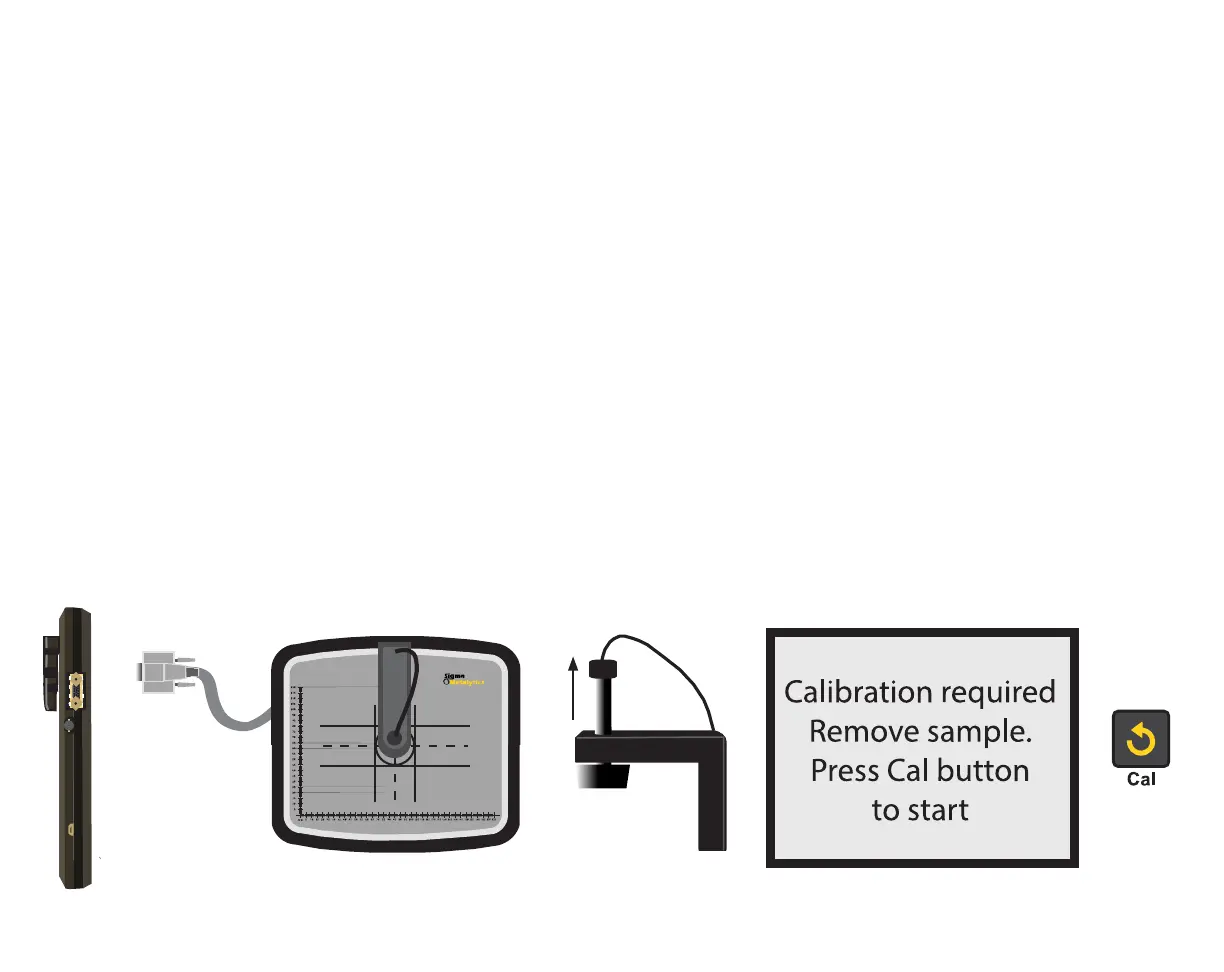
The External Bridge is an optional attachment for the PMV PRO. To use the External Bridge, plug the
External Bridge into the External Bridge connector on the right-hand side of the device. When you
plug in the External Bridge, the device will ask for calibration. Remove all samples from the device and
External Bridge, and ensure the External Bridge’s plunger is in the up position. Then press the CAL
button. When the READY screen is displayed, you may place your sample under the External Bridge
may move the sample around under the plunger to test various areas.
When measuring with the External Bridge, the Basic and will display, just
like using the onboard sensors.
The sample must be no more than 45mm thick. The sample must cover the entire black circle on the
External Bridge platform throughout testing.


 To Next Page