EasyManua.ls Logo

Sigma Metalytics PMV Pro PRO - Page 17

Sigma Metalytics PMV Pro PRO
22 pages
Print Icon
To Next Page IconTo Next Page
To Previous Page IconTo Previous Page
Loading...
17
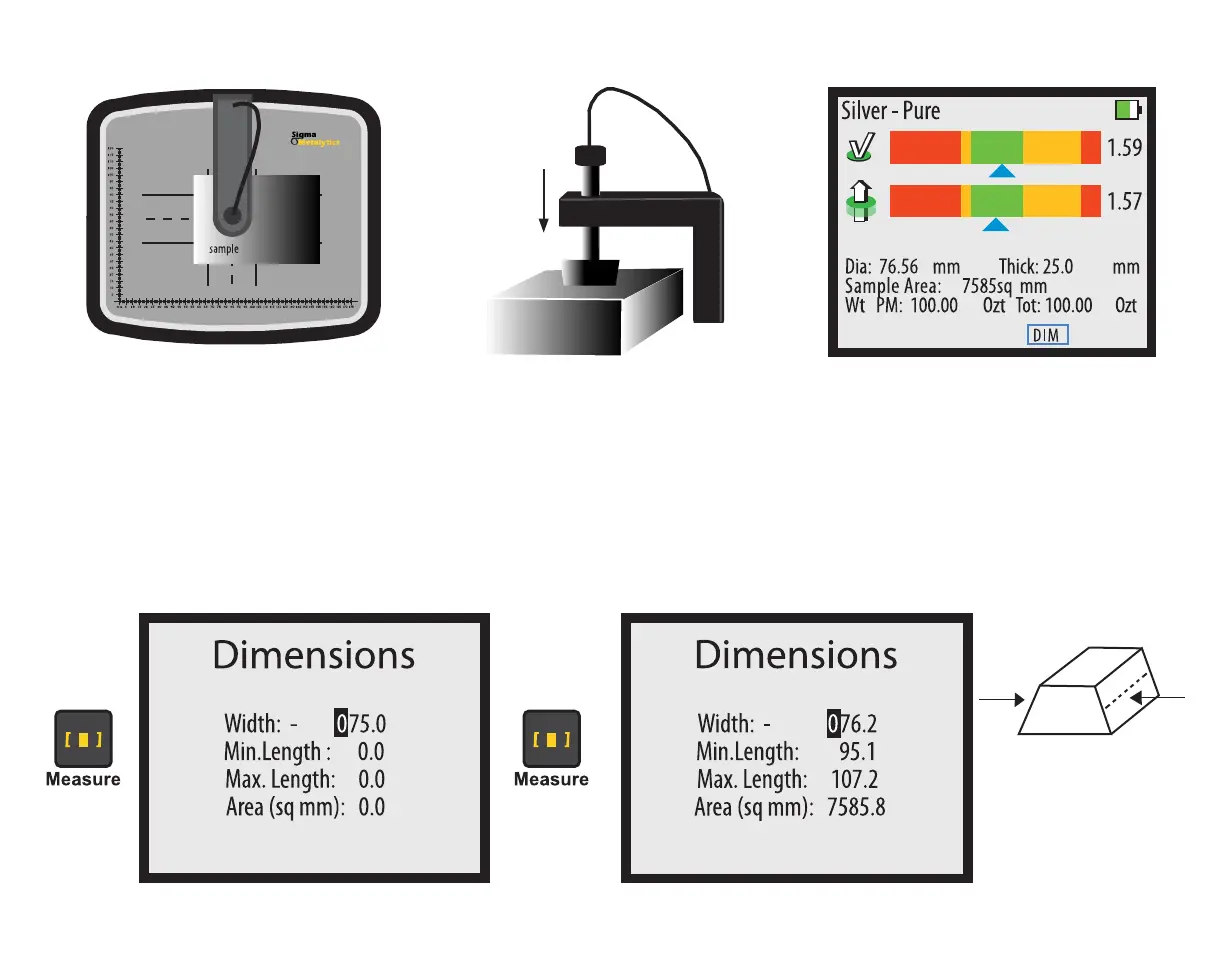
External Bridge Dimension Verification

overview. When verifying dimensions with the External Bridge, enter the measured weight, then, press the  button
while the device is reading the sample. The device will display an initial DIMENSIONS screen. You must enter the measured

scale or calipers to measure the width. Once you have entered the width, press the  button again and the device


For bars with angled
sides, measure width
from the middle of
each side.

Refer to Page 9 for data entry.

Related product manuals