This document is proprietary and confidential. No part of this document may be disclosed in any manner to a third party without prior
written consent. © Siklu Communication Ltd 2021 All rights reserved.
4. Installing the MultiHaul™ TG Units
7.
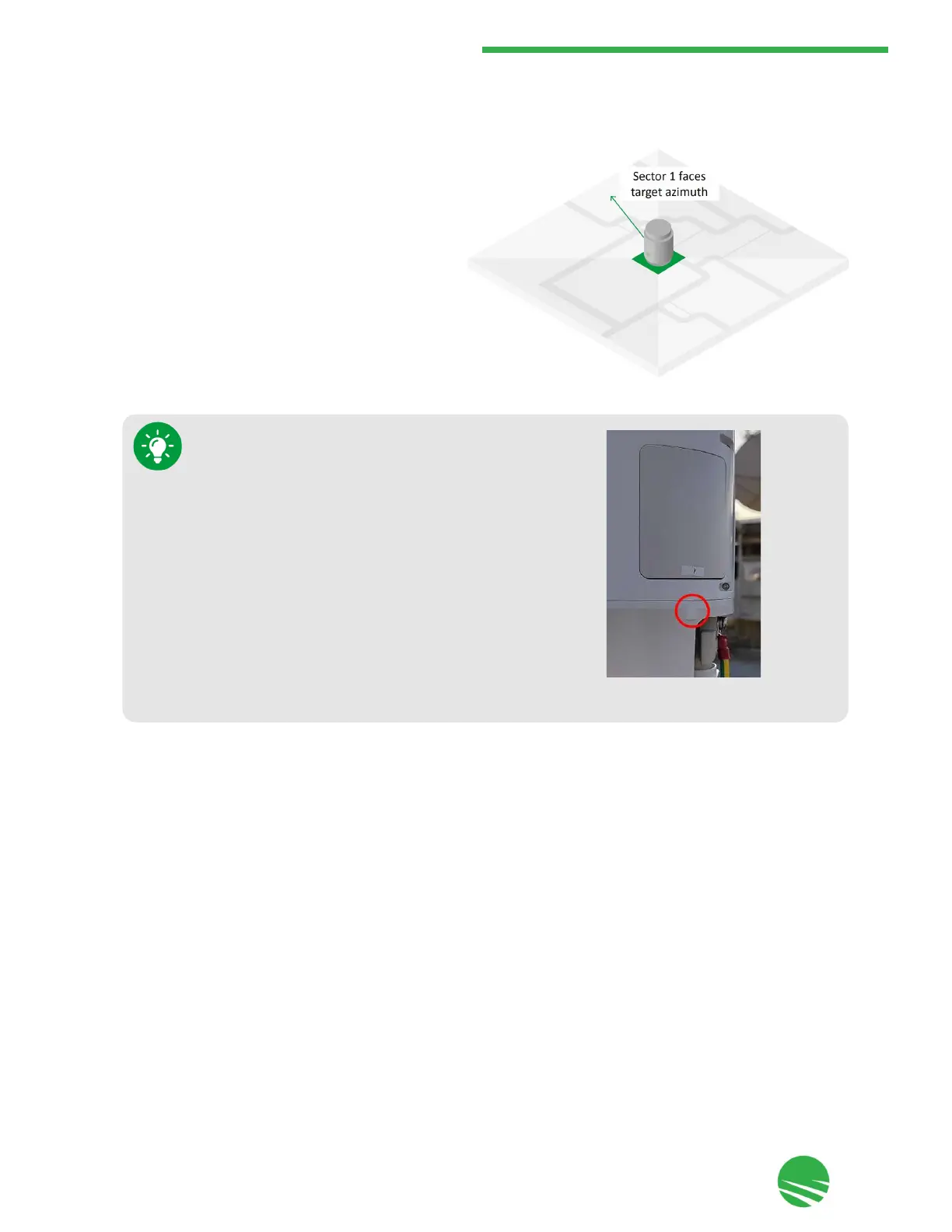
Visually verify that the node's Sector 1 is aligned in
accordance to the network design and instructions
you received from your or Siklu's Planning Team
(see Section 4.1.3 - Node Orientation). If required,
slightly release the self-locking bands and optimize
the azimuth alignment by turning the mounting
bracket.
8.
Once sector 1 faces the target azimuth, tighten the self-locking bands if required to secure the bracket to the
mounting pole.
Each sector is identified by the number that appears below
the sector panel.


 To Next Page