After the desired configuration is selected, the program gives the option to generate a header file which will contain all of the options
selected in the GUI. This file can then be used in a Simplicity Studio project to configure the radio and communicate with an MCU.
Using the header file generated by the WDS is highly recommended. Manual editing in the header file may cause problems and prevent
the radio from working correctly. For more complete information on WDS and EZConfigPRO usage, refer to the WDS User's Guide.
The following figures will be a guide to generating a customized header file. The reference design provided by Silicon Labs has a con-
figuration file already included in the project. However, to make changes to the radio configurations it is recommended to generate a
new one.
Note: WDS is not necessary for getting the software demos running; however WDS is needed to customize the radio configuration.
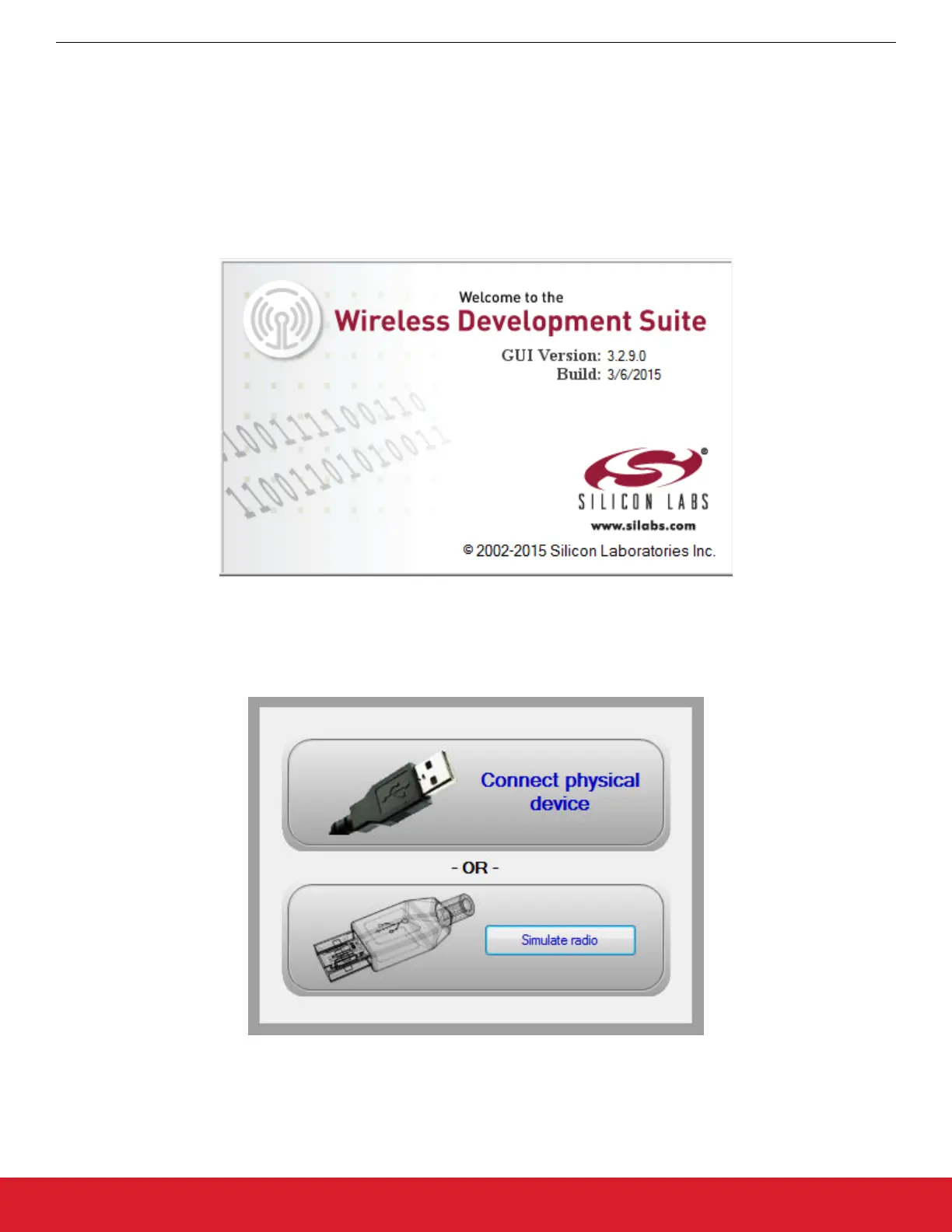
Figure 2.2. WDS Introduction
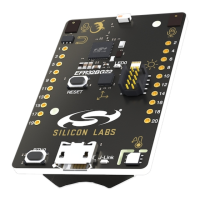
WDS can be used without connecting the physical HW to the PC to obtain configuration parameters. After running the WDS, the user
needs to start simulation mode by clicking on the [Simulate radio button.]
Figure 2.3. WDS Simulate Device
AN954: Programming Guide for EFM8 and EZRadio ®
Software
silabs.com | Smart. Connected. Energy-friendly. Rev. 0.1 | 7




 To Next Page