Silver Peak Hardware Reference Guide
Copyright © September 2018 by Silver Peak Systems, Inc. All rights reserved
17
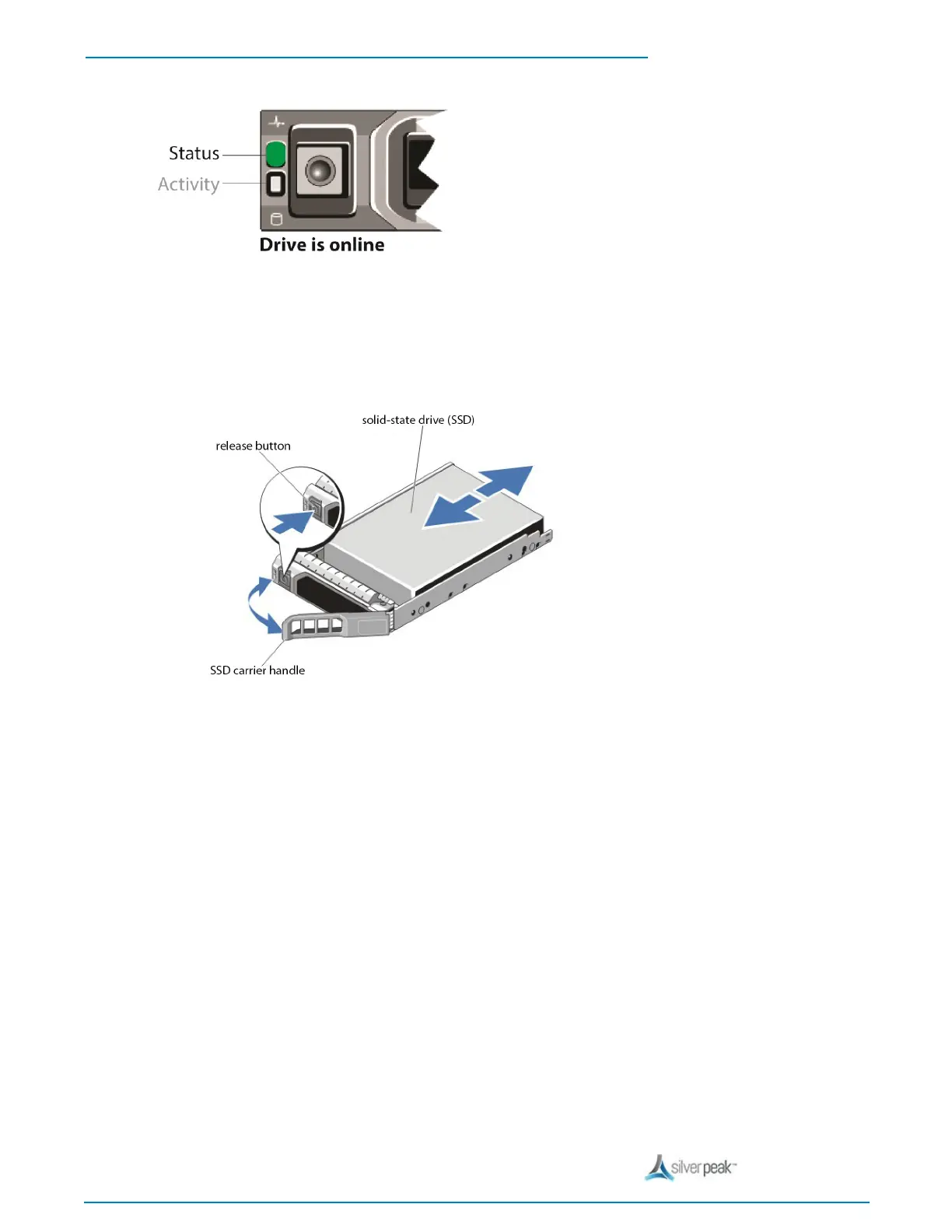
2. Press the release button to open the SSD carrier release handle.
3. Slide the SSD carrier out until it is free of the SSD slot.
4. Press the release button on the front of the SSD carrier and open the SSD carrier handle.
5. Insert the SSD carrier into the SSD slot until the carrier connects with the backplane.
6. Close the SSD carrier handle to lock the SSD in place.
7. To put the SSD online, go to the Maintenance - Disk Management page, select the disk, and click Insert.


 To Next Page