Silver Peak Hardware Reference Guide
Copyright © September 2018 by Silver Peak Systems, Inc. All rights reserved
83
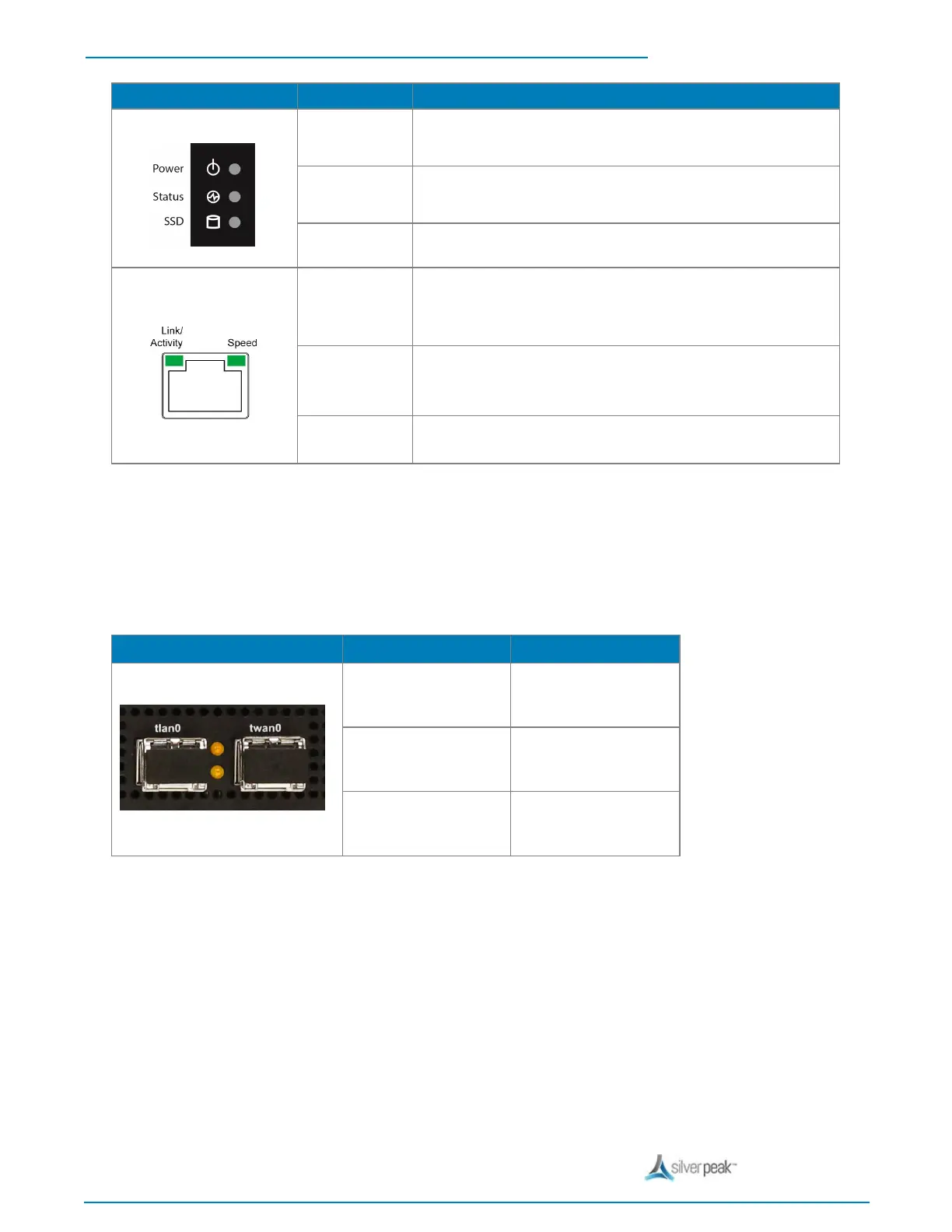
View LED Definition
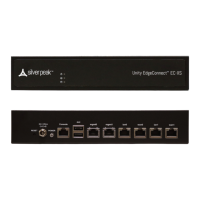
Front LEDs
Power
l Illuminated = System is powered on
l Not illuminated = System is powered off
Status
l Green = Operational state is normal
l Red = System is malfunctioning
SSD
l Blinking = Data access activities
Rear LEDs
Speed
l Amber = Connection speed is 1000 Mbps
l Green = Connection speed is 100 Mbps
l Not illuminated = Connection speed is 10 Mbps
Link/ACT
l Amber solid = Port is active
l Amber blinking = There is traffic
Both LEDs
l Not illuminated = BYPASS
1/10 Gbps Fiber Interfaces
This applies when the optional fiber module is installed.
tlan0 / twan0 Status LEDs (Amber)
Link
ON
Active
Flash
Non-Link
OFF


 To Next Page