Silver Peak Hardware Reference Guide
Copyright © September 2018 by Silver Peak Systems, Inc. All rights reserved
20
To take the disk off-line
1. Go to the Maintenance - Disk Management page, select the disk, and click Remove.
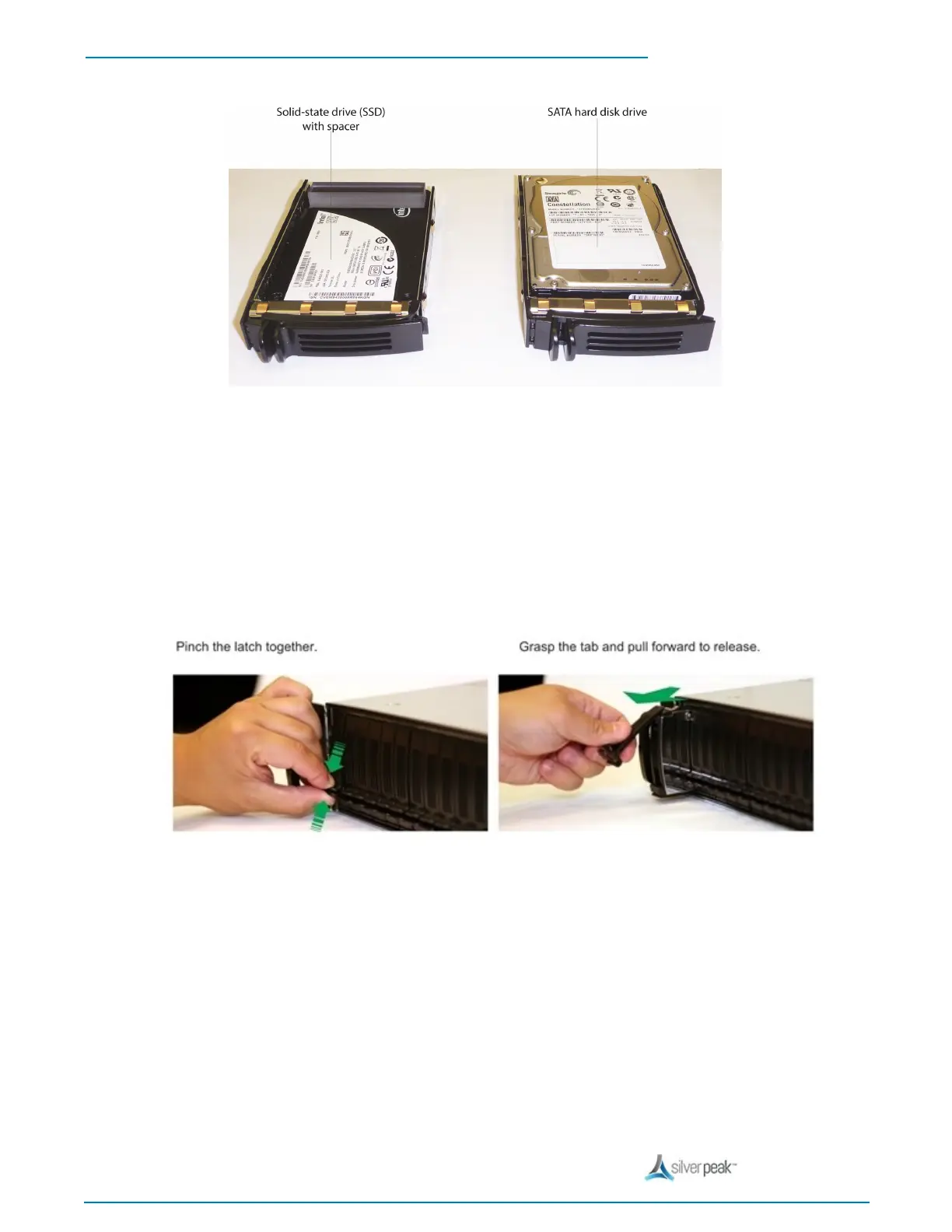
2. Unlatch the carrier by pinching the latch together and then pulling the tab towards yourself.
3. Pull the disk out of its slot.
4. Insert the new disk and push until it clicks into place.


 To Next Page