
 To Next Page
J
Jose WardJul 26, 2025
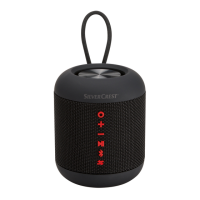
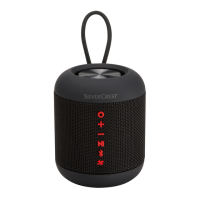
Why won't my Silvercrest Speakers switch on?
- TTeresa SmithJul 26, 2025
If your Silvercrest speaker will not switch on, the internal battery is likely empty. You should charge the internal battery.

Why won't my Silvercrest Speakers switch on?
If your Silvercrest speaker will not switch on, the internal battery is likely empty. You should charge the internal battery.
Why do my Silvercrest Speakers have no sound?
If your Silvercrest speakers have no sound, make sure that the speaker is switched on. Press and hold the button for about 2 seconds to switch the speaker on. Also, the volume might be set to minimum, so adjust it to the desired level using the appropriate button. If needed, increase the volume on your external playback device as well.
What to do if Silvercrest SLB 20 A1 have no sound in AUX mode?
If there is no sound from your Silvercrest speakers in AUX mode, first, ensure that the speaker is not muted by pressing the unmute button. Also, check that the external playback device is not muted. Finally, confirm that the 3.5 mm jack cable is correctly connected to both the AUX input on the speaker and the external playback device.
Why is there no sound coming from my Silvercrest SLB 20 A1 Speakers?
If there is no sound from your Silvercrest Speakers, first ensure that the speaker is switched on by pressing and holding the button for about 2 seconds. If it is on, check the volume level using the button. If necessary, increase the volume on the external playback device as well.
What to do if there is no sound in AUX mode on Silvercrest SLB 20 A1 Speakers?
If you're not getting any sound from your Silvercrest Speakers in AUX mode, first, press the button to unmute the speaker. Next, check that the external playback device isn't muted. Finally, ensure the 3.5 mm jack cable is correctly connected to both the speaker's AUX input and the external playback device.
Guidelines for safe operation, checking for damage, keeping packaging away from children.
Lists detailed technical specifications like voltage, current, Bluetooth version, and output power.
 General
| Brand | Silvercrest |
|---|---|
| Model | SLB 20 A1 |
| Category | Speakers |
| Language | English |