EasyManua.ls Logo

Silvercrest SRW 2 A1 - User Manual

Silvercrest SRW 2 A1
54 pages
Print Icon
To Next Page IconTo Next Page
Loading...
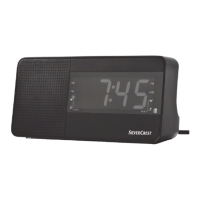
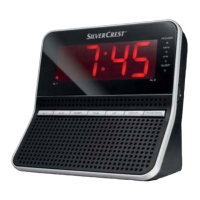
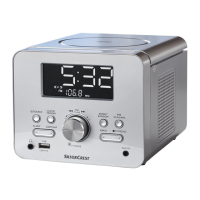
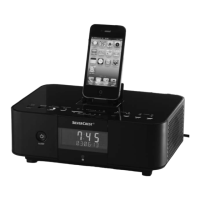
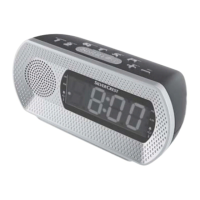
RADIO ALARM CLOCK SRW 2 A1
RADIO ALARM CLOCK
Operating instructions
IAN 106864
RADIOWECKER
Bedienungsanleitung

Table of Contents

Questions and Answers

  • M
    Matthew FullerAug 11, 2025
    What to do if my Silvercrest SRW 2 A1 Clock Radio does not switch on?
    • J
      John SmithAug 11, 2025
      If your Silvercrest Clock Radio isn't turning on, there are a couple of things to check: * First, make sure the power plug is fully inserted into the mains power socket. * Second, verify that the mains power socket is actually supplying power by checking the house's mains fuse.
  • J
    Jennifer RiveraAug 19, 2025
    How to fix noise interference during radio reception on Silvercrest Clock Radio?
    • L
      Leroy WhitakerSep 12, 2025
      If you are experiencing noise interference during radio reception on your Silvercrest Clock Radio, try these steps: 1. Adjust the station using the AL1/DOWN button or the AL2/UP button. 2. Realign the wire aerial to improve reception if it is weak.
  • D
    Daniel ParkerAug 27, 2025
    Why does the time flash on my Silvercrest SRW 2 A1 Clock Radio?
    • A
      Amy BaileyAug 27, 2025
      If the time is flashing on your Silvercrest Clock Radio display, it could be due to a power failure. Place batteries into the battery compartment to retain your settings. Also, the time/alarm time must be reprogrammed.
  • L
    Lauren JacksonSep 3, 2025
    What to do if there is no sound on Silvercrest SRW 2 A1?
    • A
      Alexandra AllenSep 3, 2025
      If there is no sound coming from your Silvercrest Clock Radio, ensure that the volume isn't set to the minimum. Increase the volume by pressing the MIN/+ button.

Silvercrest SRW 2 A1 Specifications

General IconGeneral
BrandSilvercrest
ModelSRW 2 A1
CategoryClock Radio
Radio TunerFM
Alarm FunctionYes
Snooze FunctionYes
Backup BatteryYes
Display TypeLCD
Battery TypeAAA
Number of Batteries2
Radio FunctionYes
Power SupplyMains
Power SourceMains

Related product manuals