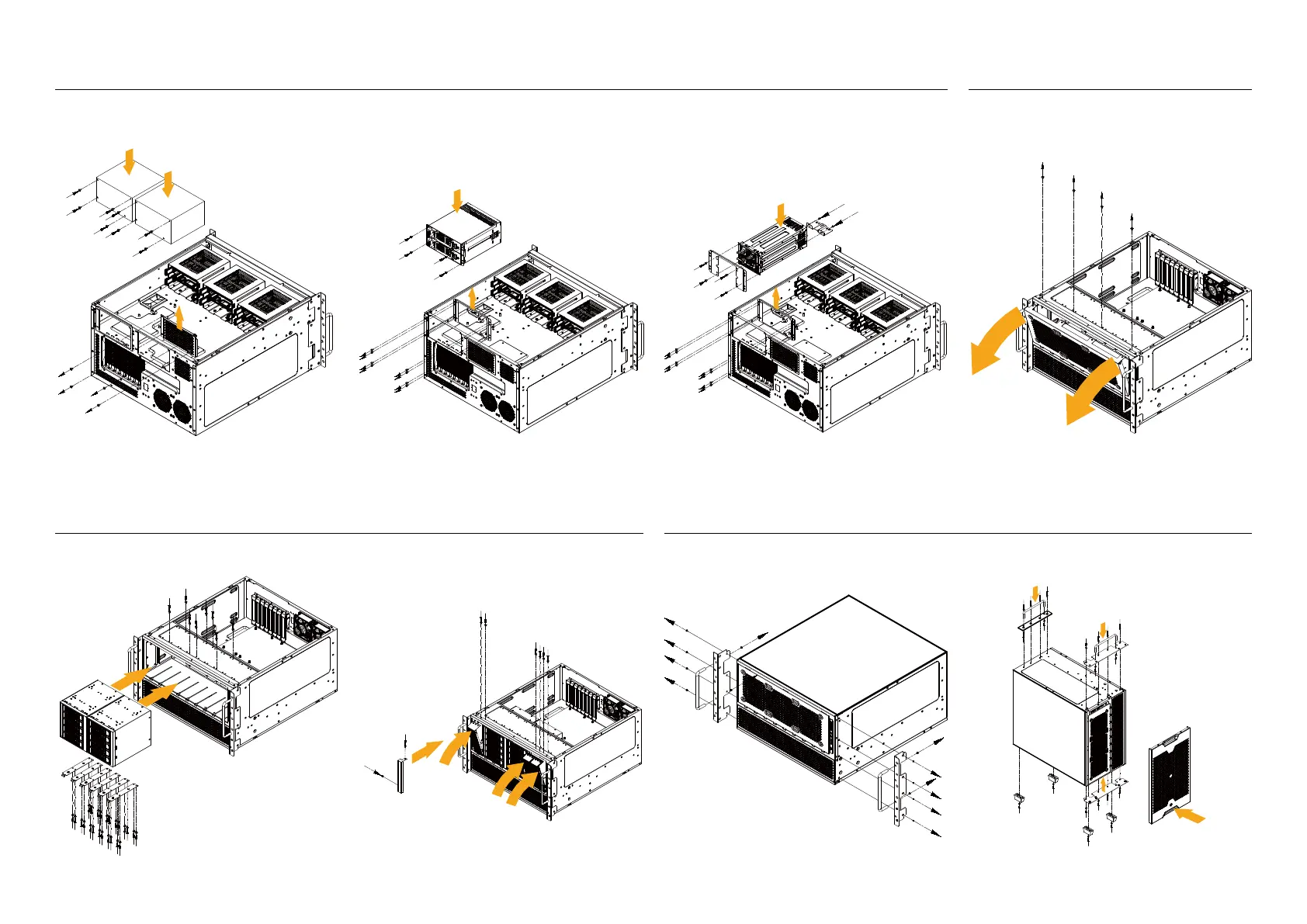
3. If installing a 2U Redundant PSU, also ensure to remove
the ATX PSU bracket first
1. Remove the front 360mm radiator bracket2. If installing a Mini Redundant PSU, please remove the
ATX PSU bracket first
1. If installing dual ATX PSUs, please remove the ventilation
cover beforehand
2. Attach the 5.25 guide rail to the 5.25" device, then slide
the device in and secure it with guide rail screws
3. Install the 5.25" bezel, if 5.25" device mounts are unallocated,
you can replace the 5.25" bezel with 5.25" ventilation panel to
increase intake airflow
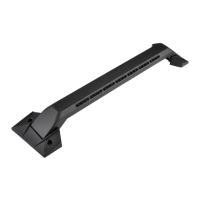
1. Remove L-shaped brackets and handle bar on both sides
2. Install handle bar onto the flat bracket and case feet
9.Vertical orientation installation
7.Installation of ATX / Mini Redundant / 2U Redundant PSUs 8.5.25" ODD installation
2



 To Next Page