6
SD100KIT
Electronic Drum Kit owner’s manual
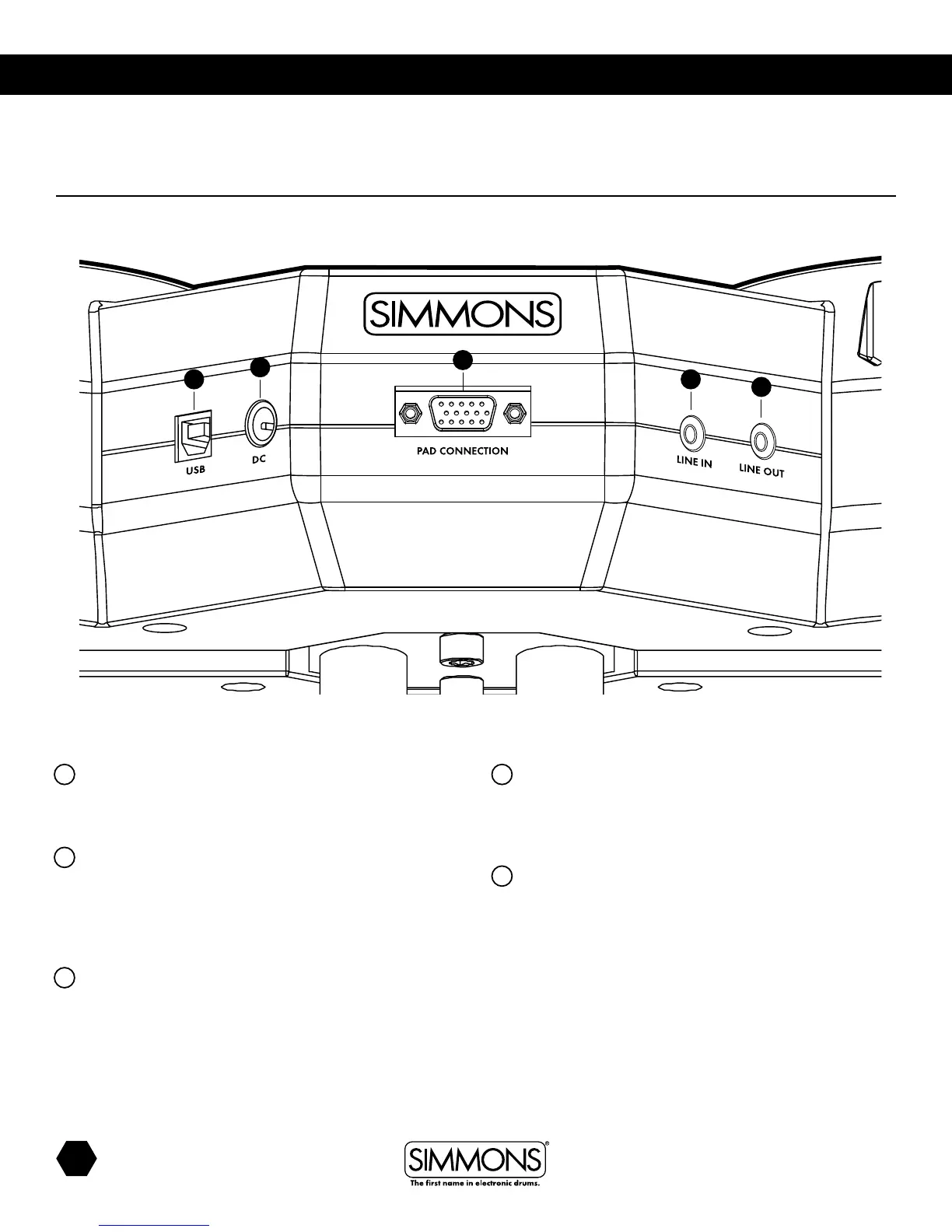
PANEL CONTROLS
Rear Panel
9
Pad Connection
Control cable connects the pads and the pedals to
the module.
10
USB
Connect to a computer for two-way MIDI communication. This
will enable a software program to trigger the drum module
sounds, or allow you to use the module as a MIDI trigger
interface for the software’s virtual drum instruments.
11
DC
Connect the AC adapter cable to an outlet to run power to
the SD100KIT.
12
Line In
You can connect the output of an external audio device to this
jack. (stereo 3.5mm). This is convenient for playing along with
music from a CD or MP3 player.
13
Line Out
Use this output to connect to external speakers or a mixing
board (stereo 3.5 mm).
10 12
13
11
9



 To Next Page