17
QUICK START OPERATIONS
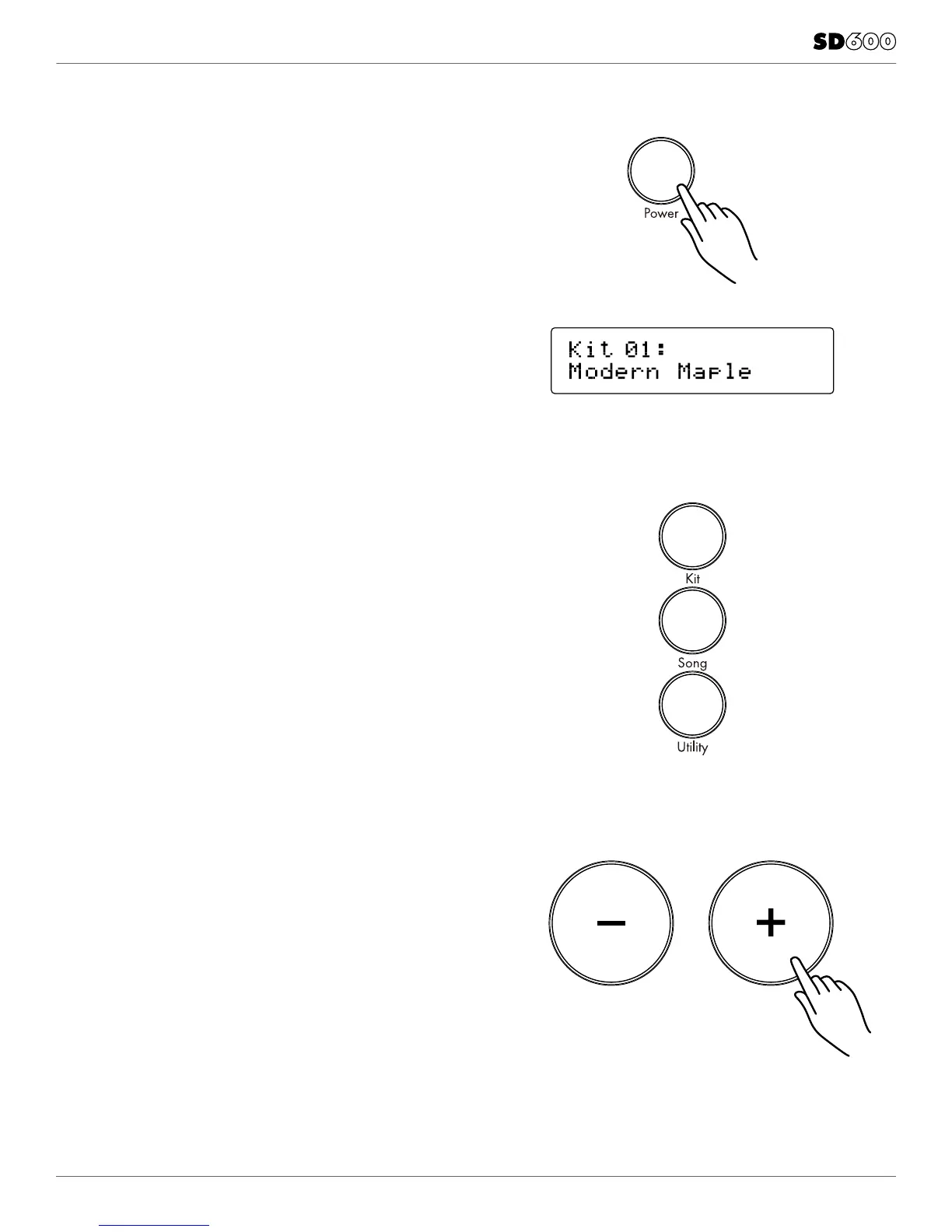
TURNING THE POWER ON THE MODULE
1. Connect the AC Adapter to the drum module.
2. Press the power switch on the top panel to turn on the module.
NOTE: There is an automatic power off function that turns off
the module when the kit is not being used for a certain period of
time. The default setting is off. If this gets changed you can reset
this in the Utility mode.
BASIC OPERATION AND NAVIGATION
There are 3 main modes for the module: KIT, SONG and UTILITY.
To enter these modes press the corresponding buttons on the
top panel of the module.
ADJUSTING VALUES
1. Select the parameter to be adjusted.
2. Adjust the value using + / - buttons.



 To Next Page