24
OWNER’S MANUAL
UTILITY MODE
MIDI NOTE
The SD600 module can send pad strikes as MIDI notes to your
computer or tablet. This screen allows you to customize the MIDI
note number sent when each pad is struck.
1. Press the UTILITY button. The rst parameter is for the trigger
settings.
2. Press the EDIT button until you see the screen for MIDI Note
3. Hit the pad that you want to change
4. Press the -/+ buttons to change the note number setting
MIDI LOCAL SETTINGS
The SD600 module is a USB MIDI compatible device. There are no
special drivers required to use the module with your computer.
MIDI Local Control allows the module to only produce sounds
coming from the USB MIDI In. The pads will only send MIDI note
commands, which can be useful when connected to a Computer
DAW. In this case set the Local to Off. The default setting is set to
ON.
To change the Local On/Off.
1. Press the UTILITY button.
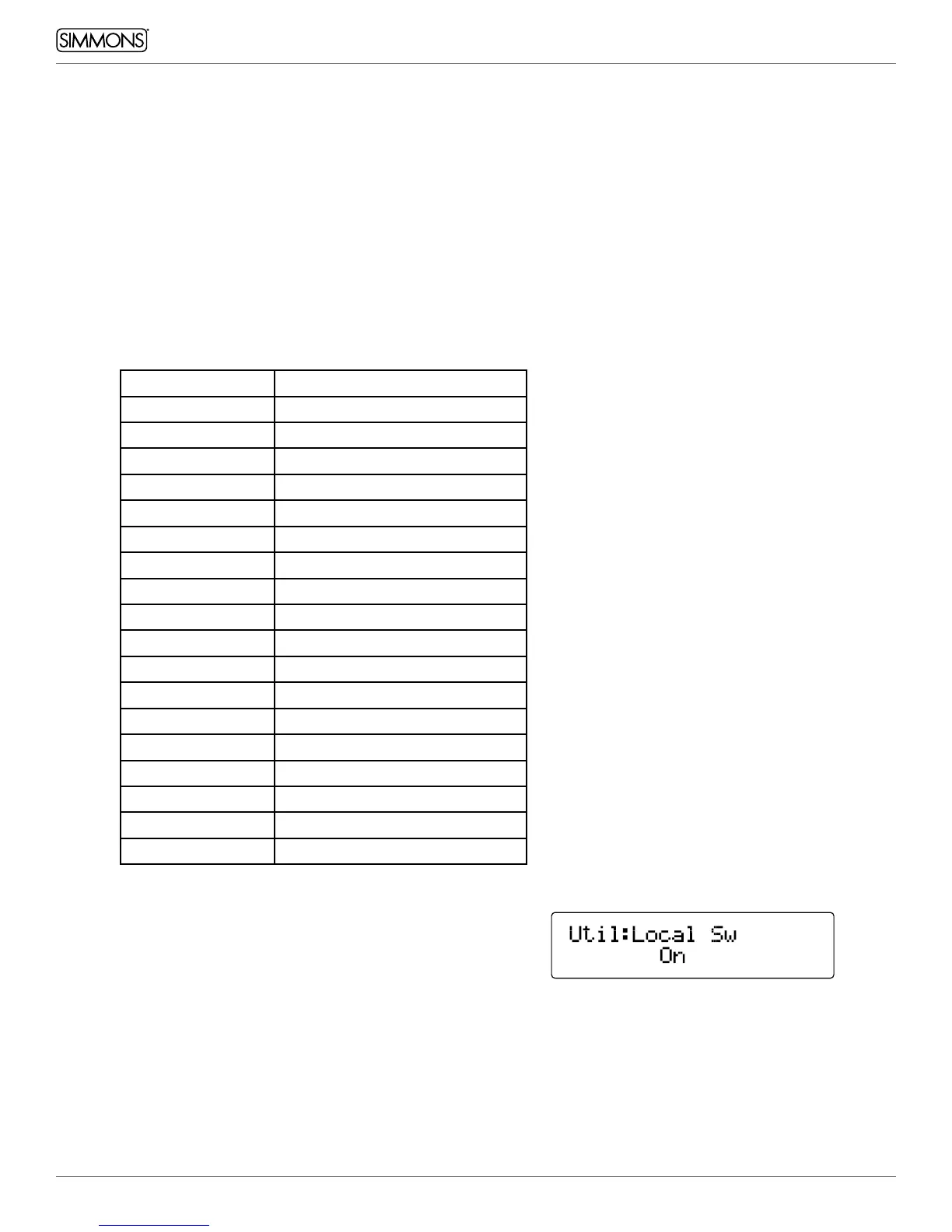
2. Press the EDIT button until you see the screen for MIDI “Local Sw”
3. Press the -/+ buttons to change the parameter setting.
Consult your software documentation for a list of MIDI note
numbers for each drum. The SD600 defaults are shown below:
MIDI Note Pad
36 Kick
38 Snare – Center
40 Snare – Rim
48 Tom 1
50 Tom 1 Rim
45 Tom 2
47 Tom 2 Rim
43 Tom 3
58 Tom 3 Rim
41 Tom 4
39 Tom 4 Rim
46 Hi Hat- Open
42 Hi Hat – Closed
44 Hi Hat - Pedal
85 Hi Hat - Splash
49 Crash
57 Crash 2
51 Ride



 To Next Page