20
OWNER’S MANUAL
KIT MODE - ADVANCED
RENAMING A KIT
1. Select a User Kit.( Preset Kits cannot not be renamed)
2. Press the -/+ buttons to choose the User kit for save.
3. Press the SAVE button to rename the User Kit.
4. Press the EDIT button to move the cursor
5. Press [+/-] to change the character
6. Press the SAVE conrmation
SAVING A KIT
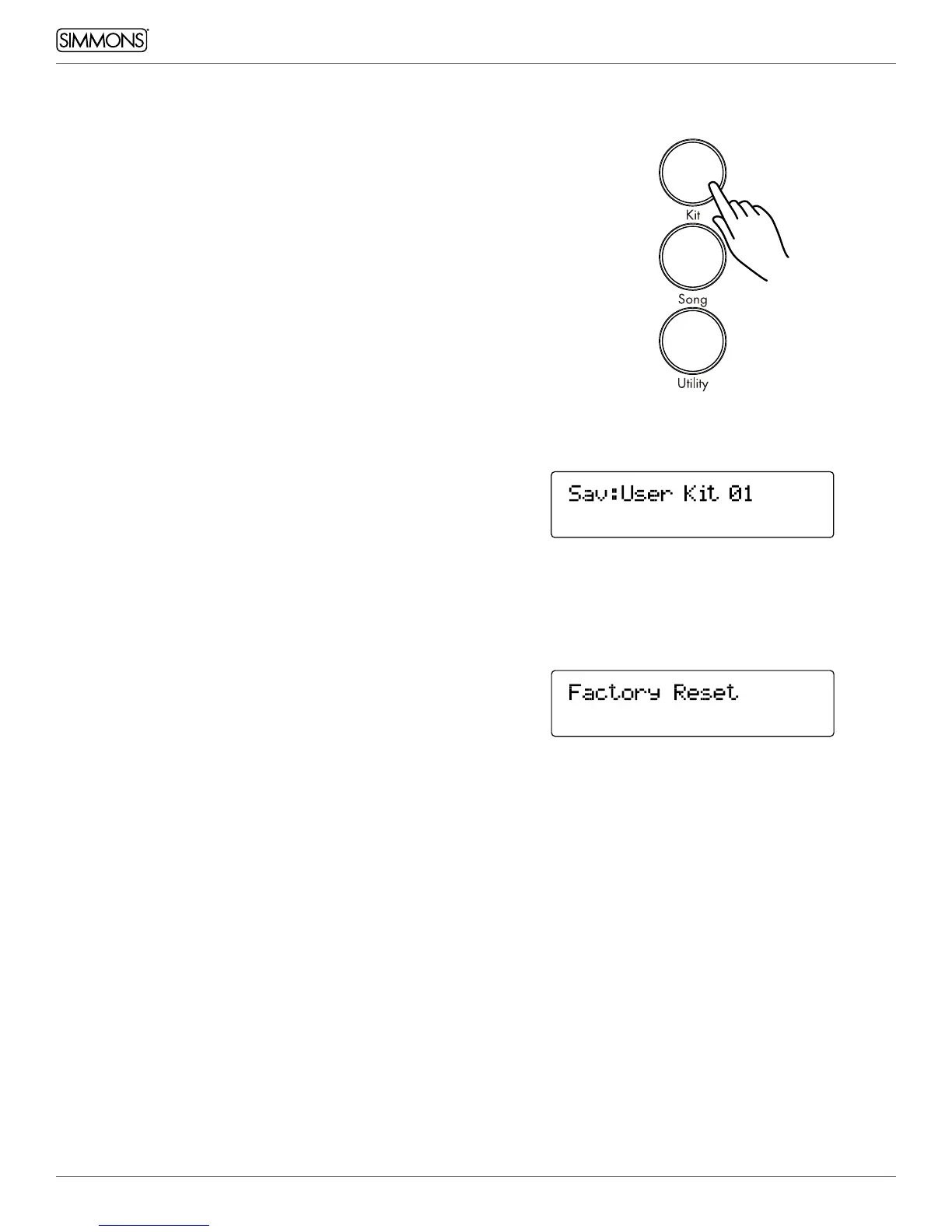
1. Press the SAVE button to save the assignment to a User Kit.
2. Press the -/+ buttons to choose the User kit for save.
3. Press the SAVE button to rename the User Kit.
4. Press the EDIT button to move the cursor to name your Kit.
5. Press [+/-] to change the character
6. Press the SAVE/ENTER conrmation
KIT RESET
1. Select a Kit
2. Press the EDIT Button until you see Factory Reset.
3. Press the Save Button. The screen will show “Current Kit”
4. Press Save to reset just the one kit. If you want to reset all the
kits go to the next step.
5. Press the + button. The screen will show “All Kits”.
6. Press Save.



 To Next Page