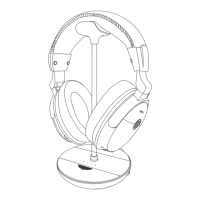
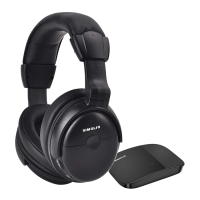
JH-711 Manual
03
JH-711 Manual
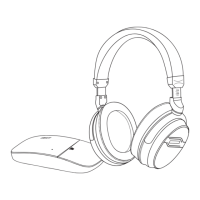
(3) Supplied with a 3.5mm Cable Enables to Connect the Headphone to
Devices without Bluetooth
With the standard 3.5mm headphone jack and 3.5mm cable, ideal for using
with all the audio devices with 3.5mm Aux ports. Also, the included 3.5mm
audio cable can be used when the built-in battery is run out under wireless
working status, so that you can still listen to music the old fashioned way.
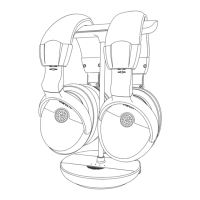
(4) With a Sharing Jack & Built-in MIC
Kids can have another headphone plug into the sharing jack on the right side
of the headphone to share audio with his friends at school/home, travelling or
flying. The built-in MIC allows hands-free talking.
04
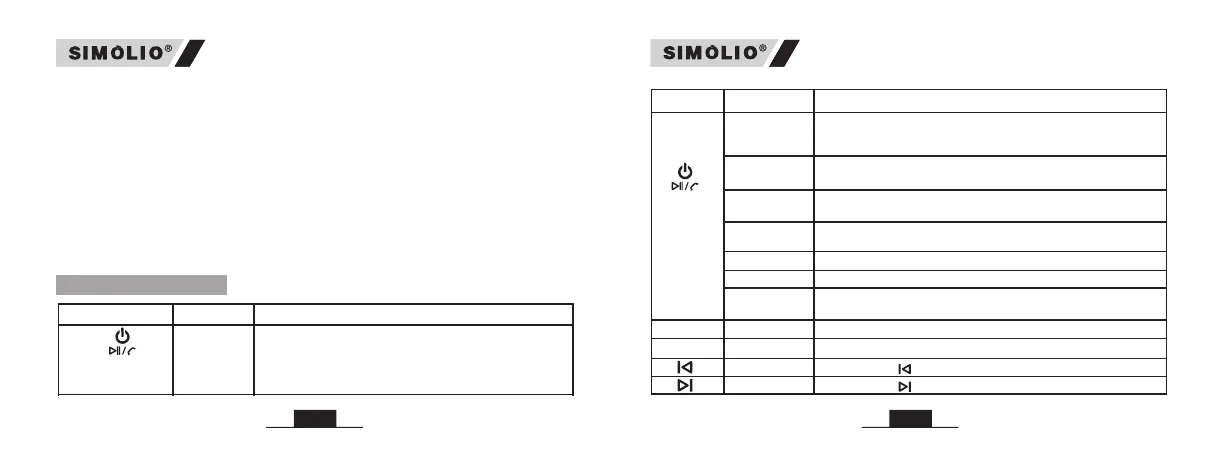
4.Basic Operation
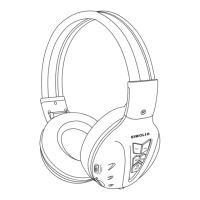
Button Function
Operation
MFB
(Multi-
function
Button)
Power on &
Pair
Note:The SIMOLIO headphone will automatically connect
to the last paired device after turning on, and the blue LED
light will flash slowly
Power off
Press and hold MFB for 4 seconds until the red LED on then
goes off, you will hear a prompt tone
Answer a call /
End a call
Short press MFB once, you will hear a short “beep”
Reject a call
Press and hold MFB for 2 seconds until you hear a
short “beep”
Play music
Short press MFB once
Pause music
Short press MFB once
Disconnection
Press MFB twice in quick succession, you will hear a
prompt tone
Button Function
Operation
MFB
(Multi-function
Button)
Power on &
Pair
Press and hold MFB for 4 seconds until the blue LED
flashing slowly, you will hear a prompt tone;
After about 8-10s, the red and blue LEDs flash
alternately and enter the pairing mode
V+
Volume up
Volume down
Next track
Previous track
V-
Short press “ ”
Short press “ ”
Short press “ ”
Short press “ ”
V+
V-


 To Next Page