0605
JH-711 Manual
JH-711 Manual
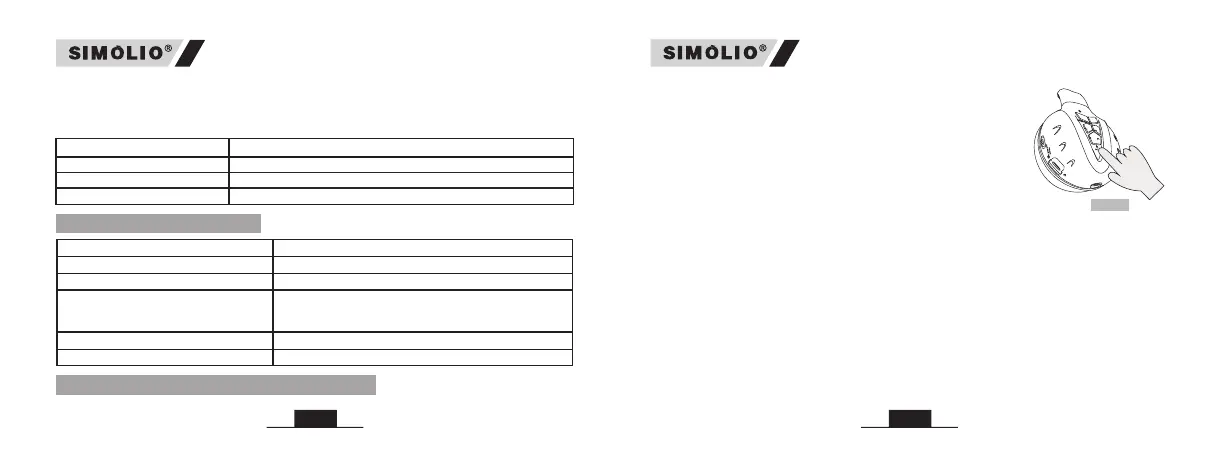
Adjust the Three-Level Volume Limited Switch (94dB/85dB/75dB)
Slide the volume limiter switch to limit the headphones’ output volume at the
desired sound level for small children, teens and adults.
Volume Limiter Switch Operation for Hearing Protection
94dB For adults, the max output Volume ≤ 94dB.
For kids, the max output Volume ≤ 85dB.
For toddlers, the max output Volume ≤ 75dB.
85dB
75dB
5. LED Indicators
LED Status
Headphone Status
Red and Blue LEDs flash alternately Ready to pair/ No connection
Connected
When the battery is lower than 3.3V, the red LED
flashes and there is a low power prompt tone every
minute, indicating that it needs to be charged.
Blue LED flashes slowly
Charging
Red LED flashes with a low power
prompt tone in every minute
Red LED lighting steadily
Charging completed
Red LED goes off
6. Connecting with a Mobile Phone
Android™ --Setting > Bluetooth: On > Scan for devices*
Note: *Menus may vary by device.
STEP 2: Select “SIMOLIO” - If prompted, enter passkey “0000"/accept
connection.
STEP 3: Once successfully paired, you will hear a long “beep” sound with
the blue LED flashing slowly.
Note: (1) We suggest you to use music player App on your phone to listen
music, or the Previous track and Next track function will be unavailable when
listening the on-line music.
Fig 2
®
The first time you turn on your headphones, the blue
LED flashing slowly, you will hear a prompt tone, after
about 8-10s, the red and blue LEDs flash alternately
and enter the pairing mode.
STEP 1: While the headphones LEDs are flashing red
and blue alternately, activate Bluetooth on your phone
and set it to search for new devices.
iPhone --Setting > Bluetooth > On*
Note: If the pairing history has been cleared previously,
the headset will enter pairing mode when powered on,
with the red and blue LEDs flashing alternately.


 To Next Page