100
ENG
5.4.3 0-10V Regulator Module
Type: Reg 0-10
General Mode
Advanced Mode
Configuration
Change the
intensity of the
channel, by
sliding a finger
Configuration
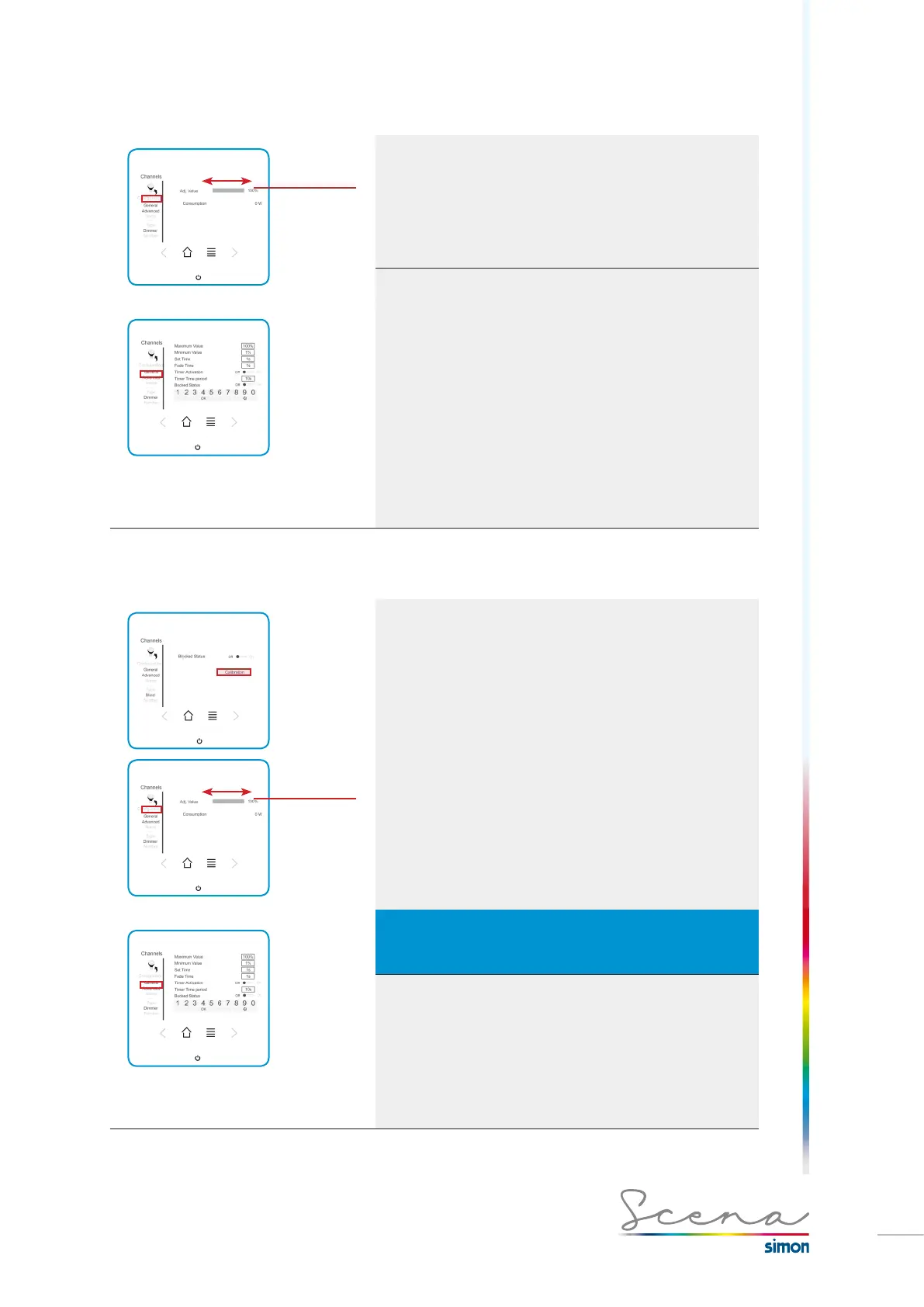
In “general” mode it enables us to change the channel’s inten-
sity. To adjust this, we slide a finger along the grey-shaded
rectangle.
“Advanced” mode, on the other hand, gives us more detailed
control (only in administrator mode).
Functions already explained on page 85.
5.4.4 Module with blind control
Type: Blind
General Mode
Advanced Mode
Configuration
Change the
intensity of the
channel, by
sliding a finger
Calibration
In order to be able to control a blind, first we must calibrate it
so that Scena will know the total travel of the blind and control
its exact position.
On the advanced screen (only in administrator mode) we can
calibrate the blinds simply by pressing the calibration icon.
Thus the blind starts to lower until the limit switch signals and
the blind stops. Next, it performs the same operation but in
the opposite direction. This is how the console ascertains the
position of the blind.
It is also possible to calibrate the blinds by means of auxiliary
blind up / down push buttons. To do this: press down the
blind’s two auxiliary push buttons for five seconds until the
blind starts to move (not compatible with push buttons
with locking).
IMPORTANT
If there is a power cut when the blind is being set or moments after the
calibration, it must be recalibrated.
Configuration
For the control of blinds, the general screen enables us to
change the blind’s setting value by sliding a finger along the
grey rectangle, according to how open we want it to be.
The advanced screen enables us to modify the channel’s
status and access the calibration described above.



 To Next Page