119
ENG
5.15 Calendar
The Calendar application enables us to add time and day programs.
So, we can date-and-time program the activation of a channel, group, scenario and sequence and we can also
activate or deactivate CLC, Presence or ECO mode.
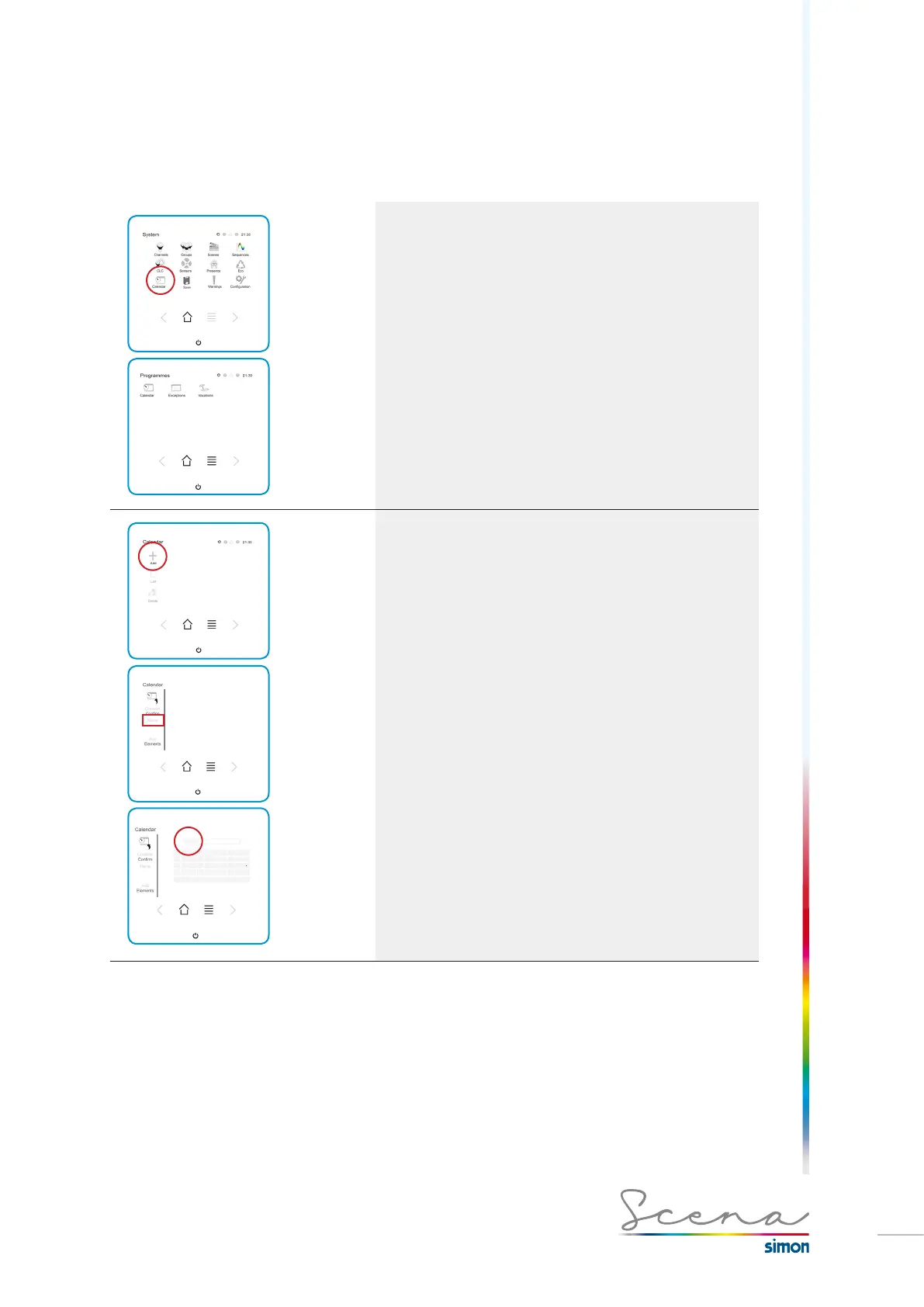
To register a program in Scena, we must follow the below
steps:
Accessing the Calendar from the Programs screen.
Configuration
Immediately after we access Add, the respective screen
appears for configuring.
1. Name of the Calendar
We have a maximum of 9 characters to define the name. From
A-Z and from 0-9.
To confirm press OK.



 To Next Page