Using ArcSoft® TotalMedia Backup & Record™ 7
USING ARCSOFT® TOTALMEDIA BACKUP & RECORD™
Installing TotalMedia Backup & Record
1
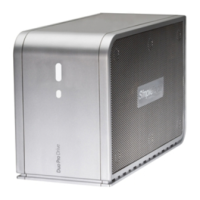
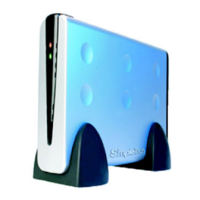
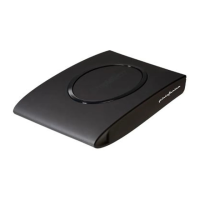
Go to the root directory on your SimpleDrive external disk drive, and then double-click
Setup.exe to launch the TotalMedia Backup & Record installation wizard.
2
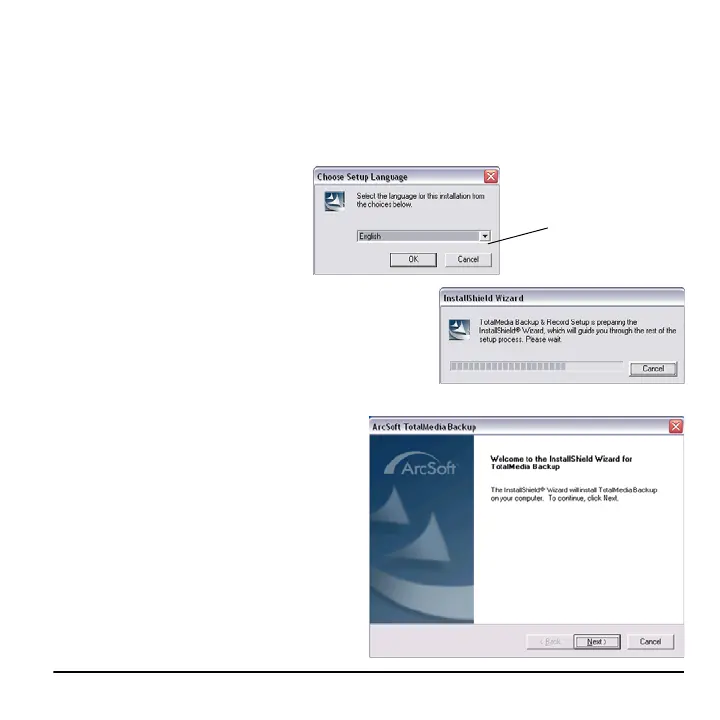
Open the drop-down box, select
your preferred interface language,
and then click OK.
3
Click Next to begin the installation process.
4
Follow the on screen instructions to install
TotalMedia Backup & Record on your
computer.
Language options



 To Next Page