System Requirements 1
SYSTEM REQUIREMENTS
• Pentium
®
III, 800 MHz processor (P4 1.6 GHz or higher recommended)
• Windows 2000, XP or Vista™ operating system
• 50 MB free hard drive space* (700 MB recommended)
• 128 MB RAM or more
• 16-bit color display at 800 x 600 or higher
• Available USB 2.0/1.1 or FireWire 400 port
INSTALLATION
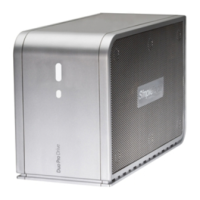
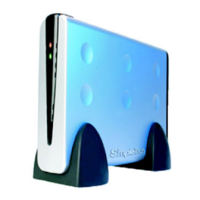
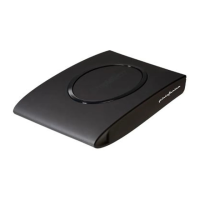
No tools or special equipment are required to install your SimpleDrive. Just connect the drive to
an available USB or FireWire 400 port on your computer. Windows automatically installs the files
needed to use the drive.
GUIDES AND ADDITIONAL INFORMATION
This user guide and additional information on SimpleDrive are available online at
www.simpletech.com/support.
To view SimpleTech documents, you will need Adobe Acrobat
®
Reader
®
.
Up to 8.5 GB additional space is recommended when using TotalMedia Backup & Record for CD/DVD
burning. Additional space is also required for Windows Media Player and DirectX installation.
For optimal performance and reliability, install the latest updates and service pack (SP) on your
computer. To download updates, click Start, Help and Support Center and select Windows Update.



 To Next Page