Operang Instrucons — 25
7 OPERATING INSTRUCTIONS
Before turning on the
load bank for the rst time,
inspect the unit to ensure
safe and proper operation.
1. Open control panel access
door and check for any ab-
normalities.
2. Check for and correct any
loose connections in con-
trol panel.
3. Remove any foreign objects
from the control panel en-
closure.
4. Spin the cooling fan blade
by hand to ensure it clears
the fan shroud.
5. Remove any foreign objects
from element chamber.
6. Ensure circuit breaker is
closed and ready to provide
control power to load bank.
1. Start the generator or
source being tested.
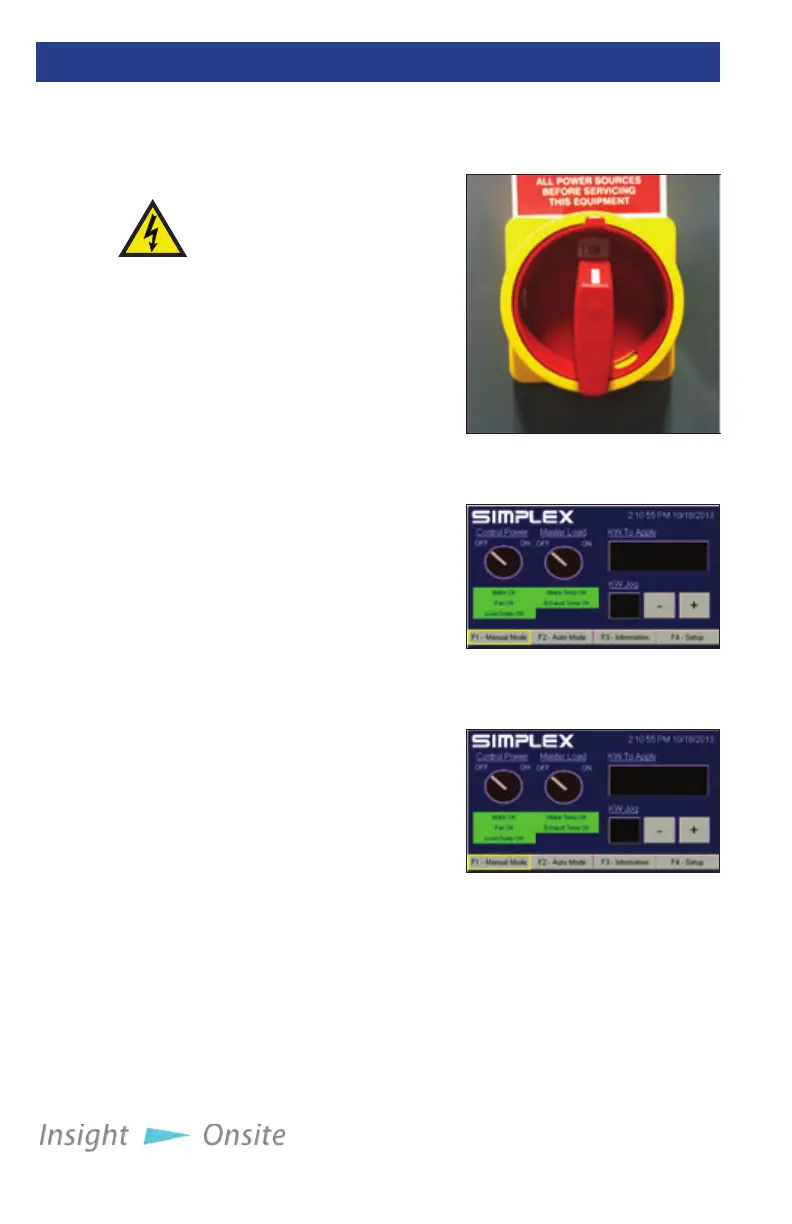
2. Ensure the load bank’s Fan/
Control Power Disconnect
Switch, located on the unit’s
door, is in the on position
(see Figure 21 Fan/Con-
trol Power Disconnect
Switch.)
3. Check the load bank’s in-
take areas, located on the bottom of the unit, to ensure that the
vents are not blocked by paper or other debris that would prevent
the cooling fan from pulling in air.
4. On the HMI, turn on the load bank by pressing the Control Power
button in the upper le corner of the screen (see Figure 22 Con-
trol Power Button.)
5. Listen to the load bank’s fan to ensure it is operating normally.
initial Start-up
inSpeCtion
Disconnect
all power
before
performing
the initial
start-up
inspection
pre-operation
CHeCkS
Neptune load
banks feature
a power
outlet in the
control panel
for your use.
This outlet is
limited to 2
amps.
Figure 22 Control Power
Button
Figure 23 HMI - Manual
Mode
Figure 21 Fan/Control
Power Disconnect Switch



 To Next Page