Operational Guide
Display Indicators
CF, RO and CB Indicators Lights
The three indicators lights remind the user when
to replace the filters;
Flashing - The filter is >90% exhausted.
Steady - The filter has reached the end of its life ≥
100% exhausted. At this time, there will be three
beeps when dispensing water.
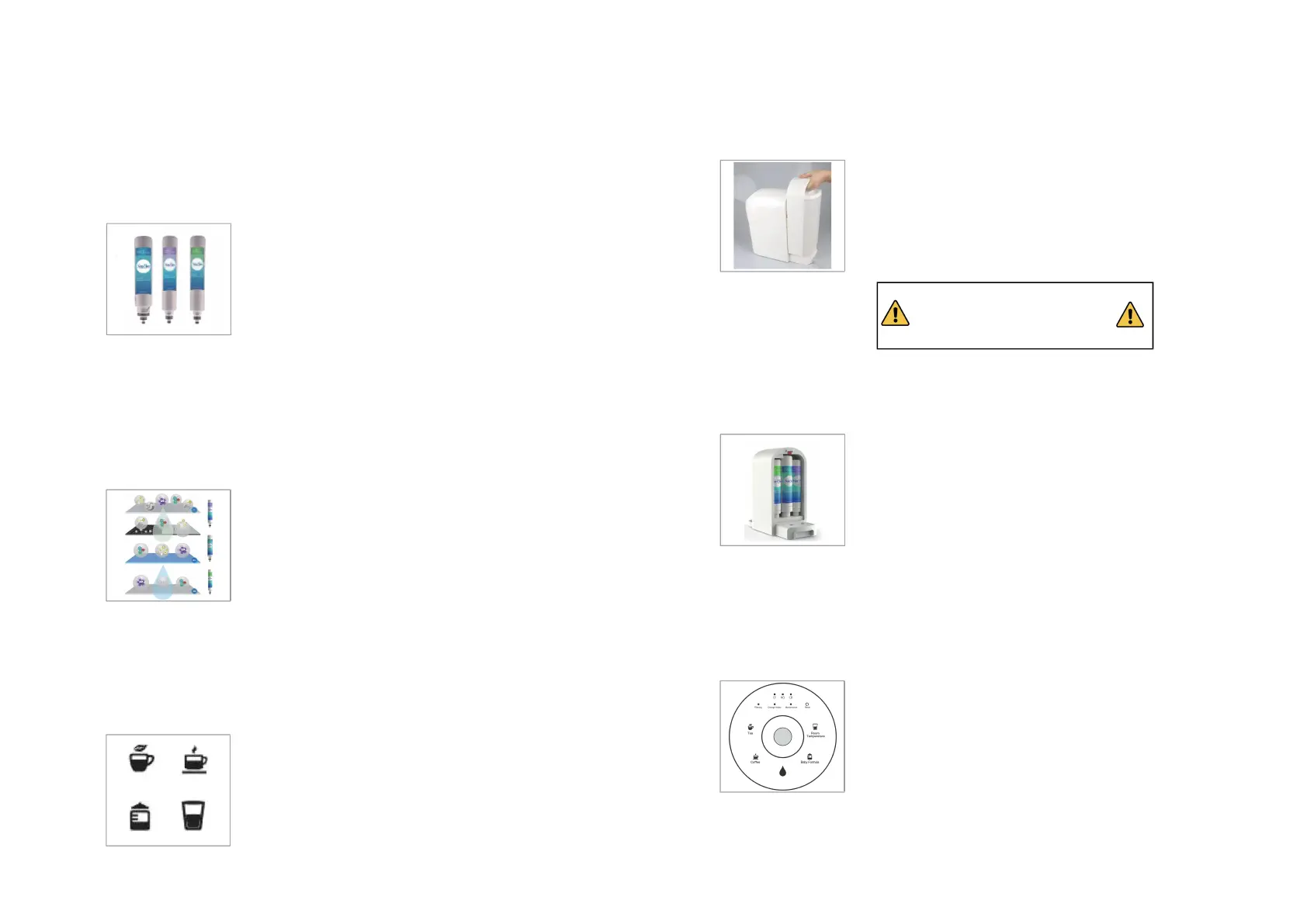
CF = 2-in-1 Composite Filter(Sediment PP
Membrance & Pre-Carbon Block )
RO = 0.0001 Micron RO (Reverse Osmosis)
CB = Activated Carbon Post-filter
Filtering Indicator Light
Flashing - The internal tank is empty; The water
purifier is filtering water to refill the internal 50
f
l. oz (1.5L) pure water tank. When the indicator
light is flashing, water can not be dispensed. The
indicator light shall turn to Steady after about
three (3) minutes.
Steady- The purifier is stillfiltering water, but
the internal pure water storage has stored ≥
11.83 fl. oz (350ml) pure water. Pure water can
be dispensed during this stage. After 7-10
minutes, the light will go out, indicating that the
internal water tank has been filled with 50fl.oz
(1.5L) pure water.
Tea, Coffee, Room Temp., Baby Formula Light
Indicates the pure water dispense temperature
selected.
Turn the dial to the desired water temperature;
the corresponding indicator will display the
selected temperature mode.
Change Water Indicator Light
Flashing – Feed tank water too low (≤1.25L)
Steady – Feed tank water of poor quality.
Action Required – Remove The feed tank as the
water needs to be discarded and refilled with
fresh potable (tap) water and reattached
(remaining water is concentrate).
Maintenance Indicator Light
Flashing with Filtering Light – The filters may not
be installed correctly.
Flashing with Room Temperature Light –
Temperature sensor malfunctions
Action Required – If flashing, please check if the
filters are installed correctly. Contact SimPure®
customer service for advice if the problem
persists. )
Reset Button and Indicator Light
Indicates when a filter’s life is exhausted.
Replace the corresponding filters as indicated by
CF, RO, or CB indicator light.
Press the reset button and hold for 3 seconds
until two beeps are heard to enter Reset Mode.
Press again to select the desired filter, and then
hold for 3 seconds until a beep is heard; the
chosen filter is reset.



 To Next Page