BSM-2 Installation manual | 15
ENGLISH
Setting up the transducers
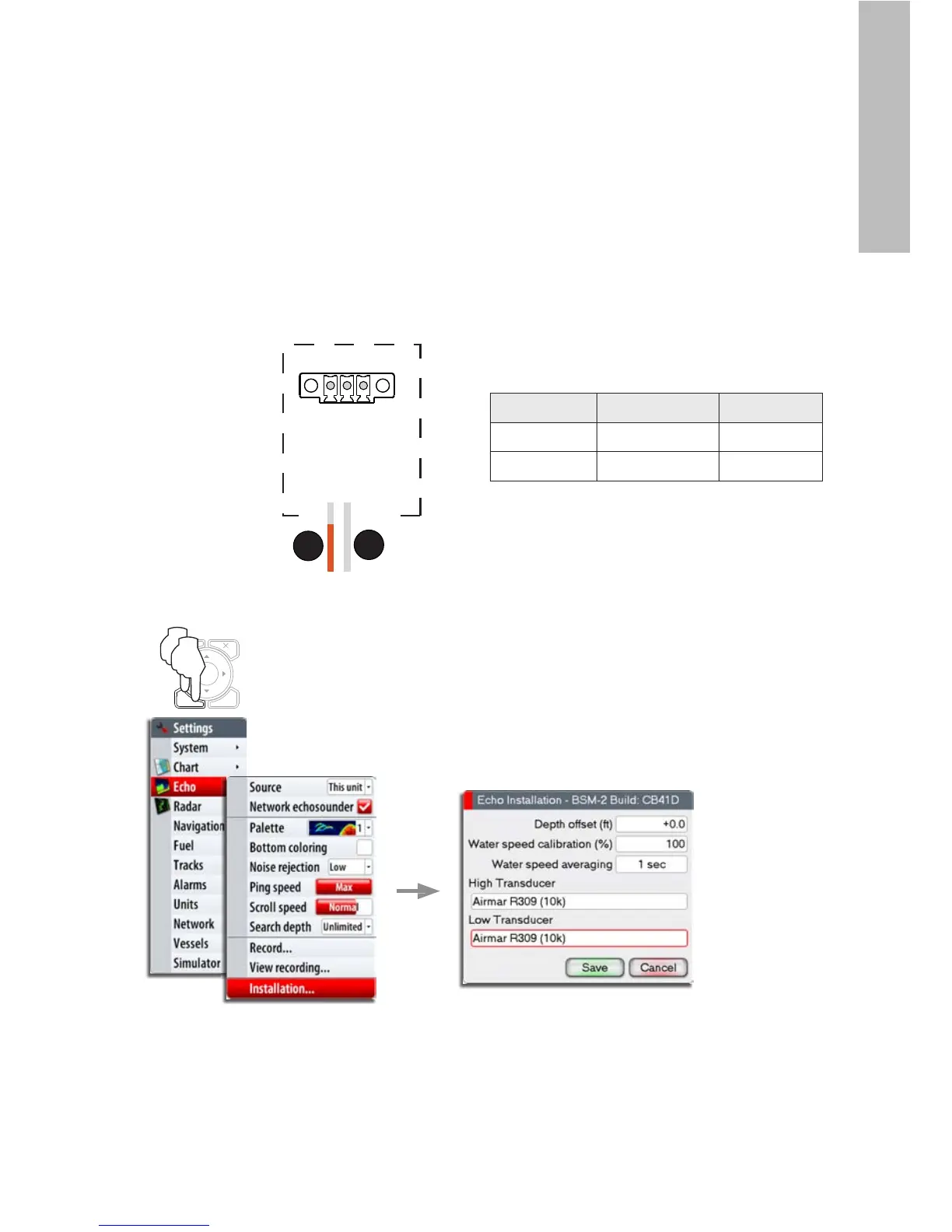
The BSM-2 is compatible with Airmar’s Transducer ID
protocol. If you have an Airmar transducer that supports
this feature, BSM-2 will read your transducer’s
specification at start-up and automatically adjust the
frequency and temperature settings. The transducer’s
XID wire (orange) should be connected to the XDCR_ID_
HIGH/LOW terminal in the TEMP HIGH/LOW connector as
shown below.
TEMP HIGH
TEMP HIGH
GND
XDCR ID HIGH
J5
1
1
2
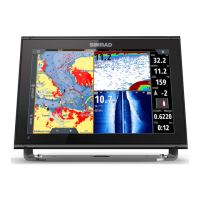
If your transducer doesn’t support Airmar’s Transducer
ID protocol, the transducer selection and configuring
needs to be done from the display as shown on the
graphics below.
A detailed description is found in the relevant
documentation for the display.
REF. COLOR SIGNAL
1 Orange XID
2 Shield XID GND
MENU WIN
x2








 To Next Page