Operating Manual TRACSCAN 2.0
V2.0, 2022-05 11 / 36
Overview of supported stand-
ards and scales
Open Instrument Menu and navigate to
Settings … / Program Settings …
Select Print Safety Limit Values
All instrument
settings
Open Instrument Menu and navigate to
Printout …
Select On Printer
Operational Data Open Instrument Menu and navigate to
Operating Data … / Printout …
Select On Printer
Table 2: What to print
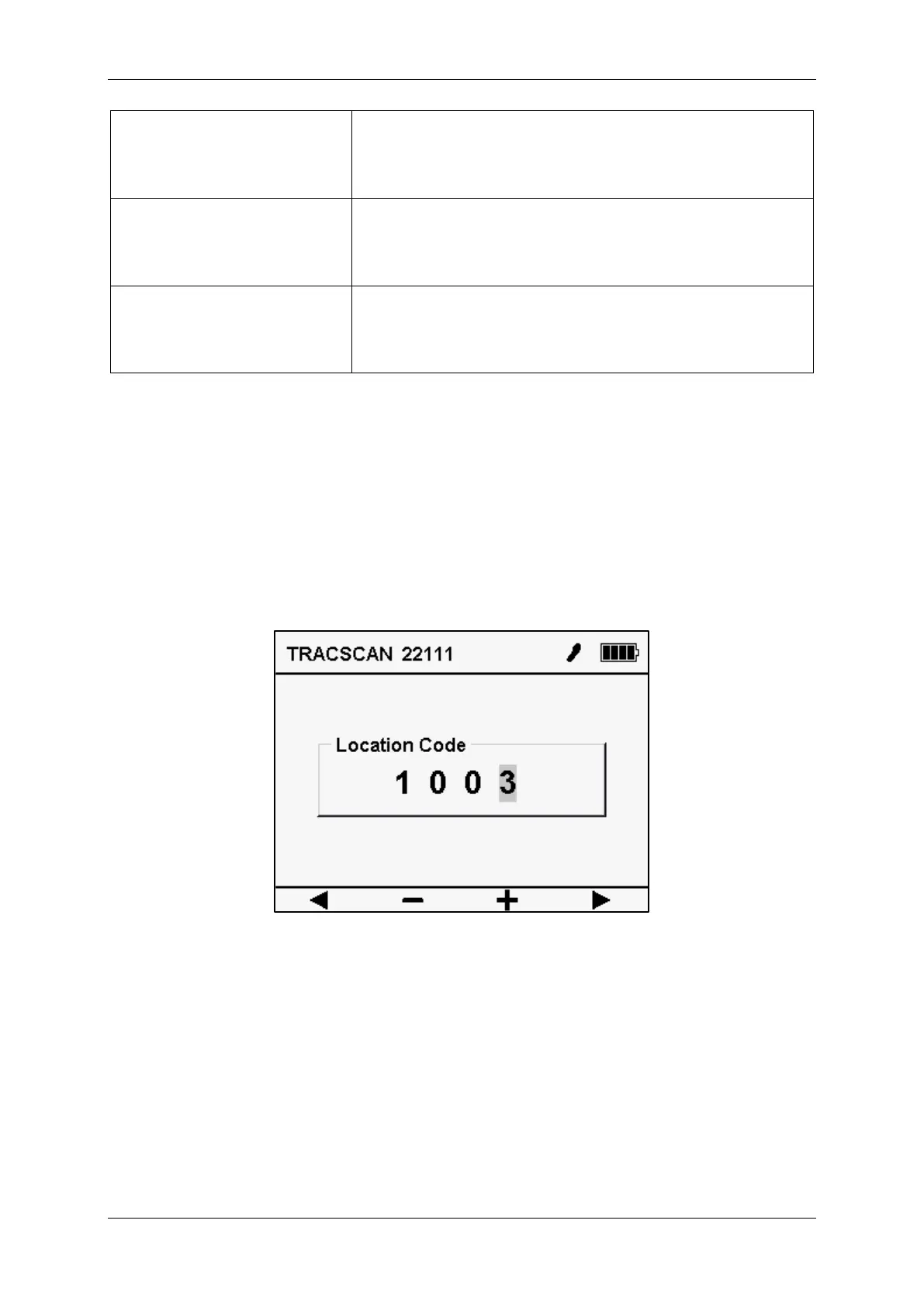
4.5. Location Code
The user can assign so-called location codes for the various locations where measurements
have been performed. This makes it possible to assign a measurement to a specific location.
If the location code feature is enabled (see setting [Location Code Size]), the user is prompted
to enter a location code before each measurement. It comprises up to 8 alphanumeric char-
acters, is stored in the measurement record and is shown on the printout.
See also [NFSI B101.0-2021] for recommendations and examples on how to use the location
code.
Figure 3: Location Code


 To Next Page