Operating Manual TRACSCAN 2.0
V2.0, 2022-05 32 / 36
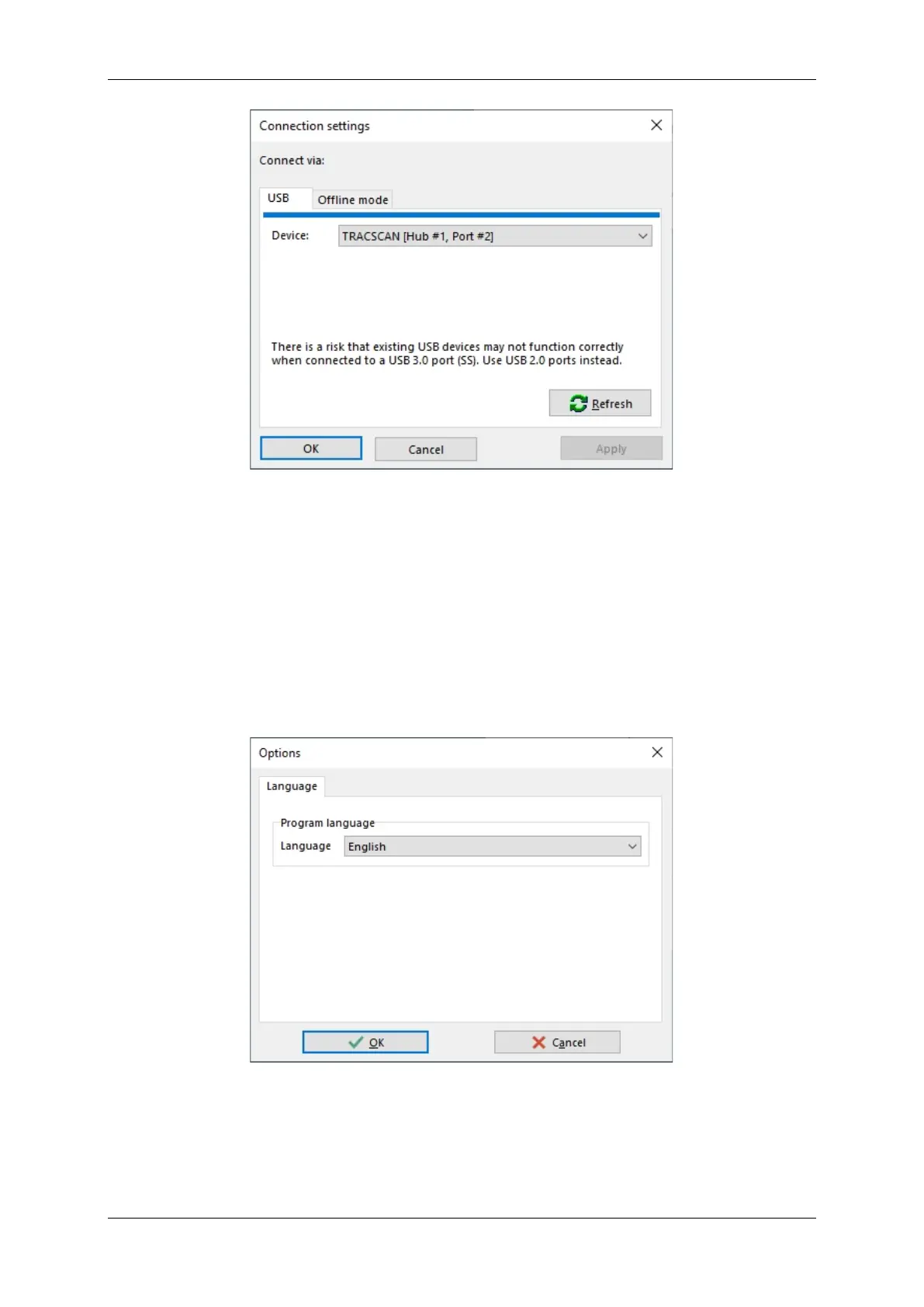
Figure 20: TracMan Connection Settings
• If no device (instrument) is displayed, press Refresh to re-scan the USB ports. If an instru-
ment is found, it will be shown in the drop-down list.
• If a device (instrument) is shown but was not displayed in the Start Center, select the de-
vice in the drop-down list and press Apply.
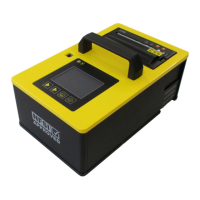
8.8. Options
Currently, the following program options are available:
• Language: Program language (English, German)
Figure 21: TracMan Options


 To Next Page