Operating Manual TRACSCAN 2.0
V2.0, 2022-05 29 / 36
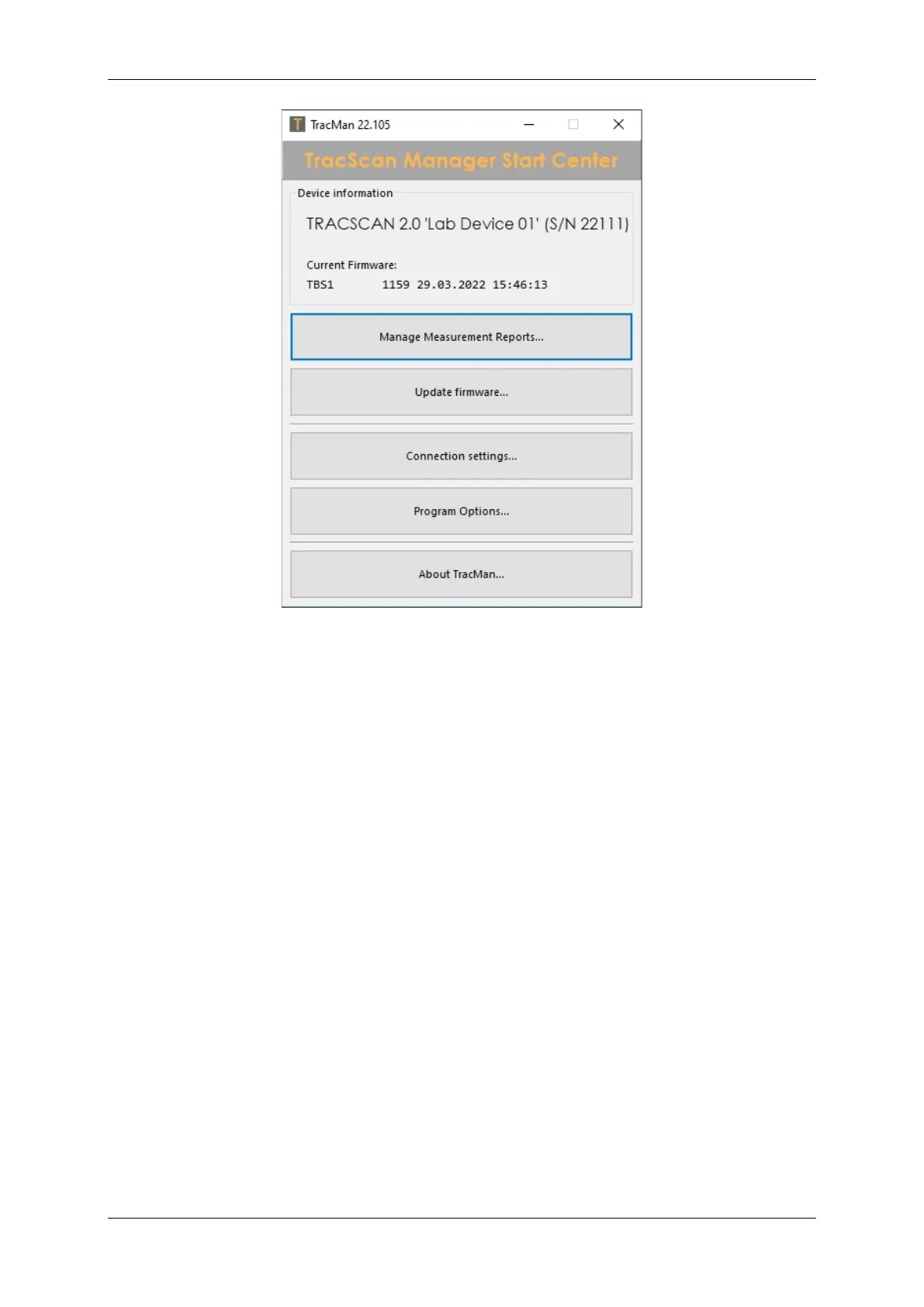
Figure 15: TracMan Start Center
TracMan scans the USB port(s) for an instrument. If an instrument is connected but is not
found, open Connection Settings (see below). Once an instrument has been found, basic data
of the connected instrument are displayed:
• Identification: Control board revision and serial number.
• Current Firmware: Build number and build date.


 To Next Page