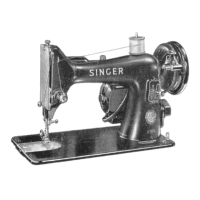
Class 99 & 99K
To Remove Bulb
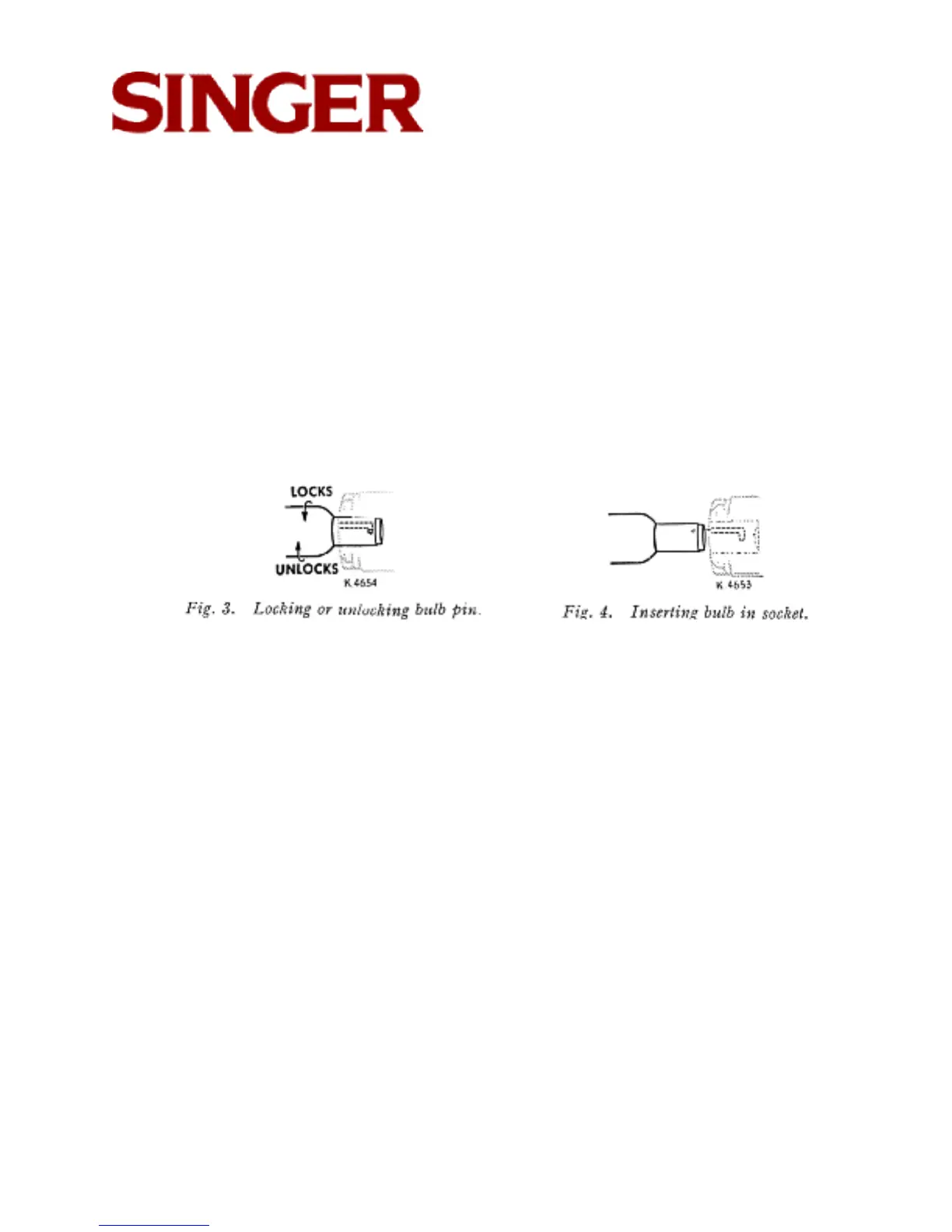
Grasp light socket so that thumb extends over switch V. Press shade with thumb
at U. to release shade from two catches, and slide it halfway out of shade holder
W. Press bulb into socket and at same time, turn bulb over from machine as far
as it will go to unlock pin X (see Figs. 3 and 4). Withdraw the bulb.
To Insert New Bulb
Press bulb into socket and turn it over toward machine until pin X enters notch in
socket (see Fig. 3). Return shade to its normal position as shown in Fig. 1.
Page 4
Table of Contents | Previous Page | Next Page



 To Next Page